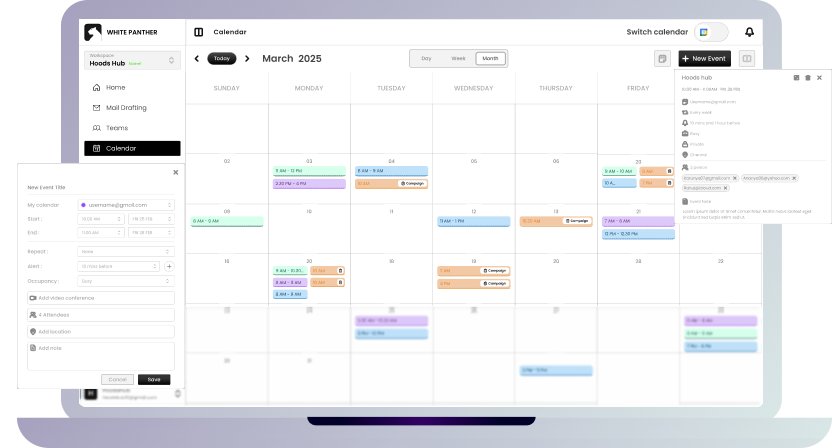
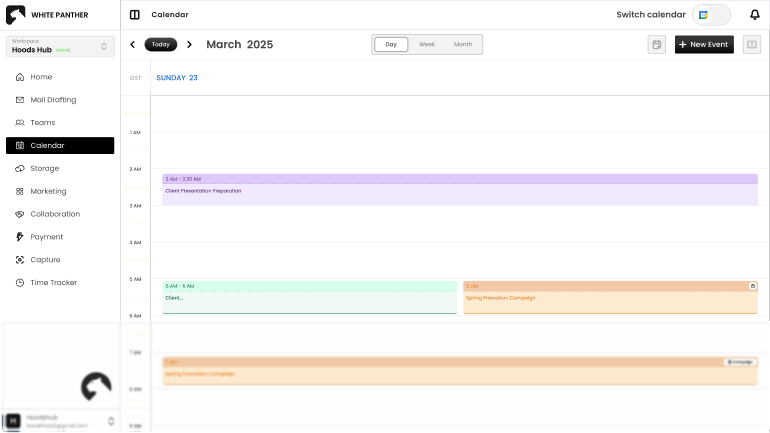
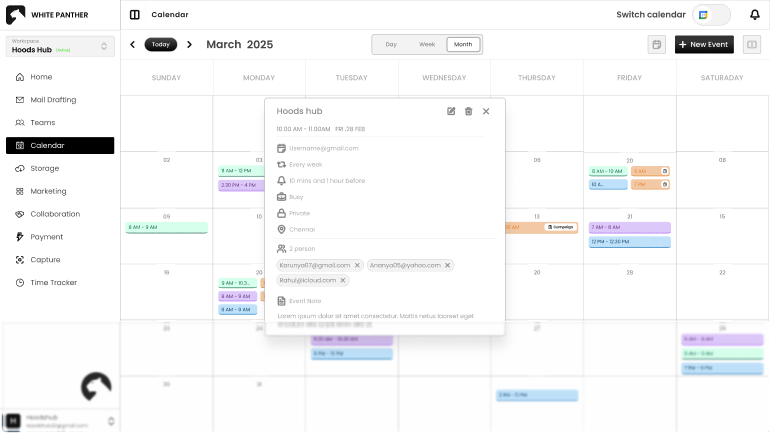
View your proposed planning in one place, so you can see your full schedule without switching tabs or logging in and out. Toggle between accounts, compare days, and create events without switching tabs.
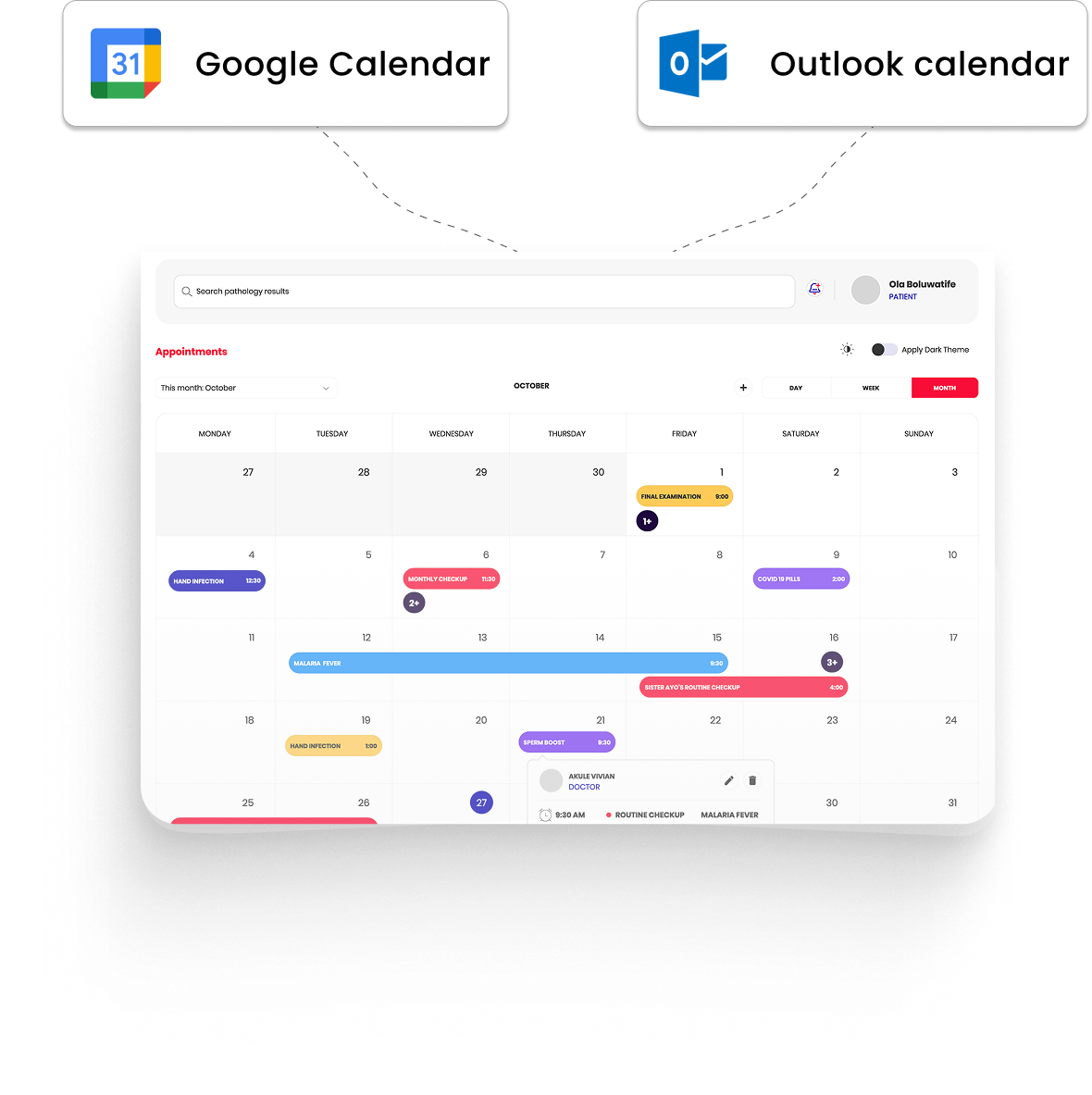
Unified view for Google & Outlook calendars
Daily, weekly, monthly & list modes
Smart scheduling with alerts, links, and repeat options
WhitePanther brings your Google Calendar and Outlook Calendar into one powerful view.
Who Is This Built For?
Anyone Juggling Meetings, Deadlines, or Clients
Ideal for professionals who are managing their plans and meetings across platforms. Keep track of meetings, deadlines, and life without bouncing between tabs. One place for Google, Outlook, and every plan you’ve said yes to.
Stay Ahead with a Smarter Calendar Setup
If you use both Google and Outlook, you do not have to pick sides. There is a simple toggle at the top. Just switch between Google and Outlook instantly and search events from one unified calendar view.
One-click toggle between calendars
No re-login every time
Keeps everything connected
Saves you from app hopping
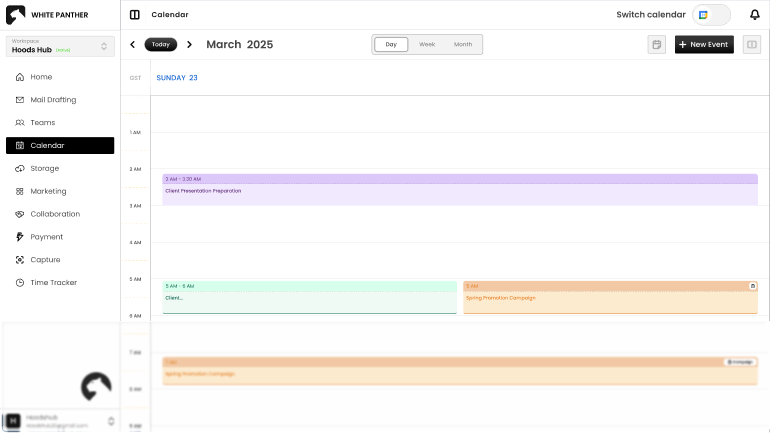
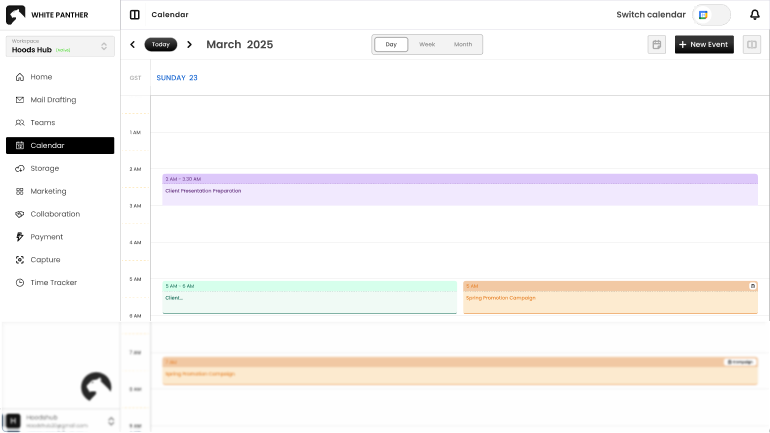
Some days you want a quick glance. Other days you need the full picture. You can switch between daily, weekly, monthly, or a clean list view, whatever works best for how you plan.
Daily, weekly, monthly, or list views
Clear layouts that are easy on the eyes
You choose your default view
Designed to reduce overwhelm
No need to open a separate screen or wait for a pop-up. Just click on the date or the Add New Event button and enter your details right there. It is quick, clean, and distraction free.
Create events in two clicks
Add time, people, location, and meet links
Set reminders and repeats
Works for both Google and Outlook events
You can choose when you want a heads-up. An hour before, a day before, whatever suits you. It is all built in so you do not need another reminder app.
Custom reminders based on your timing
Works with recurring events too
Adds notifications for both calendar accounts
Keeps you on track for every meeting
Make Every Minute Count
View tasks, track time, and plan events in one connected flow. All inside WhitePanther.