
Managing a team today is harder than ever.
Work happens across apps, remote teams run in different time zones, and productivity issues often stay invisible until deadlines slip.
Employee monitoring software helps teams regain clarity—without micromanaging.
In this guide, we compare the 10 best employee monitoring softwares in 2026, covering use cases, key features, and which tools work best for remote, hybrid, and in-office teams.
Table of Contents
What Is Employee Monitoring Software?
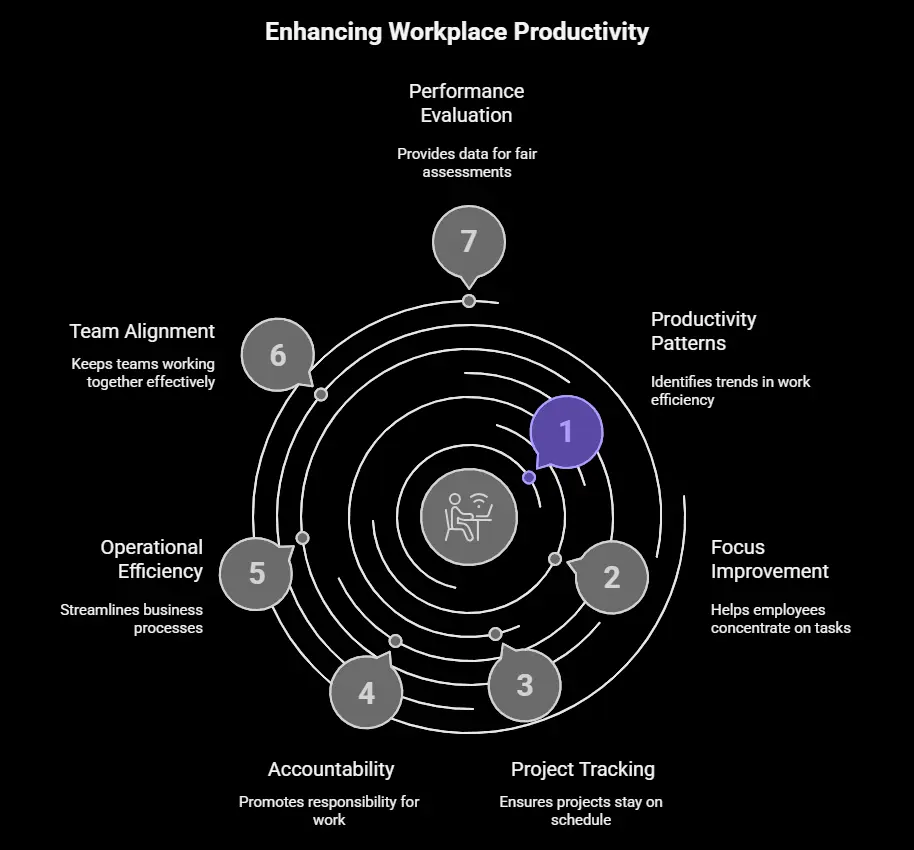
Employee monitoring software is a digital solution designed to help businesses track and understand employee work activity during working hours. It provides clear visibility into how time is spent on tasks, applications, and projects, making it easier to identify productivity patterns, improve focus, and keep work on track—while supporting accountability and operational efficiency.
Teams—whether remote, hybrid, or in-office—use this software to stay aligned and work more efficiently. Instead of constant check-ins or manual supervision, managers get clear insights that support better planning, smoother workflows, and fair performance evaluation.
Ways of Monitoring Employees
- Activity tracking: Records application and website usage during working hours to understand task engagement.
- Time tracking: Captures time spent on tasks or projects, either automatically or through manual input.
- Project-based monitoring: Links work activity to specific projects or deliverables for progress visibility.
- Attendance and idle-time logging: Notes login, logout, and inactivity periods within defined work schedules.
- Communication monitoring (work tools only): Reviews usage patterns within approved platforms like email or chat tools, without accessing personal content.
- System-level monitoring: Tracks device-level data such as system usage or software access on company-owned equipment.
Why Do Businesses Need Employee Monitoring Software?
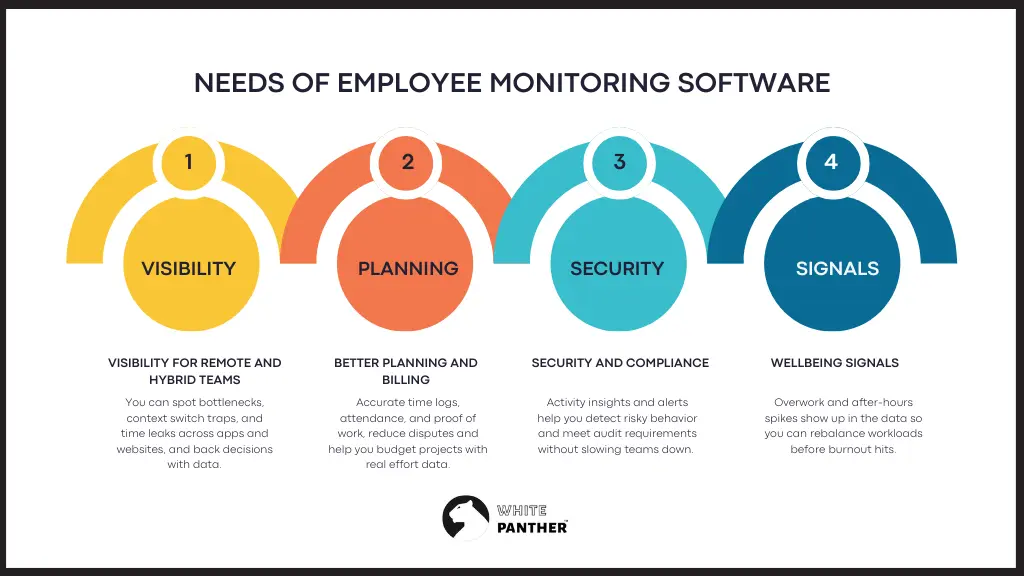
Monitoring is not about catching people out. It is about understanding how work actually happens so you can improve it.
- Visibility for remote and hybrid teams: You can spot bottlenecks, context switch traps, and time leaks across apps and websites, and back decisions with data.
- Better planning and billing: Accurate time logs, attendance, and proof of work, reduce disputes and help you budget projects with real effort data.
- Security and compliance: Activity insights and alerts help you detect risky behavior and meet audit requirements without slowing teams down.
- Wellbeing signals: Overwork and after-hours spikes show up in the data so you can rebalance workloads before burnout hits.
Top 10 Best Employee Monitoring Software to Boost Productivity
| Software | Best For | Key Focus / Strength |
| 1.WhitePanther | Teams wanting monitoring without tool overload | Unified workspace with tasks, time, communication |
| 2.Mera Monitor | Managers needing real-time visibility | Productivity analytics, attendance & screen insights |
| 3.Hubstaff | Client billing & distributed teams | Proof of work, time tracking & payroll |
| 4.ActivTrak | Coaching & workforce analytics | Focus time, capacity planning, privacy-first tracking |
| 5.Time Doctor | Project-based remote teams | Distraction control & accurate time logs |
| 6.Insightful | Ops & finance-driven organizations | Cost of work, attendance & workforce intelligence |
| 7.Veriato | Security & compliance-heavy environments | Risk scoring, behavior analytics & audits |
| 8.DeskTime | Teams wanting automatic tracking | App usage, productivity scores & private time |
| 9.InterGuard | Enterprises needing strict oversight | Policy alerts, device controls & monitoring suite |
| 10.SentryPC | High-control monitoring use cases | Keystroke logging, screenshots & endpoint control |
1. WhitePanther
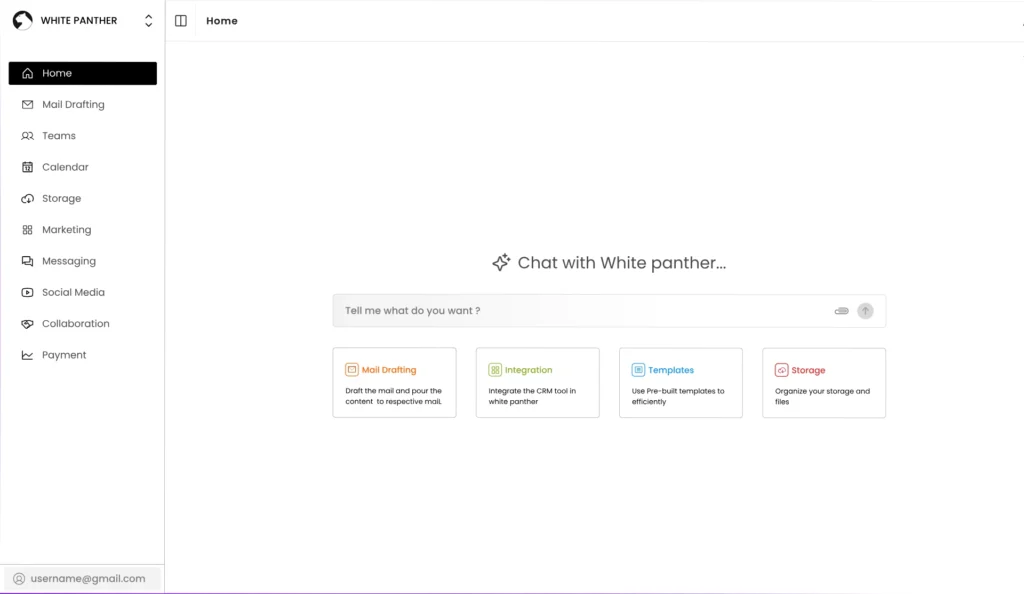
WhitePanther is not a typical monitoring tool. It is a unified workspace that brings tasks, email, meetings, calls, time tracking, screen recording, and more into one fast dashboard with no tab hopping and no reloads. That integrated environment means less context switching and cleaner data. When your timer, tasks, messages, and docs live together, the picture of productivity is richer, and coaching becomes easier to monitor employee productivity.
Key features
- Time tracking that sits right inside the same screen as tasks and messages
- App and website insights so you can understand focus patterns without leaving the workspace
- Screen recording for walk throughs and async updates that reduce meetings
- Meeting and call timelines linked with tasks to see where collaboration time goes
- Smart notifications that nudge action instead of adding clutter
- In place AI helpers to summarize threads and draft updates
- A single dashboard that removes tool juggling and gives managers one source of truth
Best for: Teams that want employee monitoring without switching between multiple tools
2. Mera Monitor
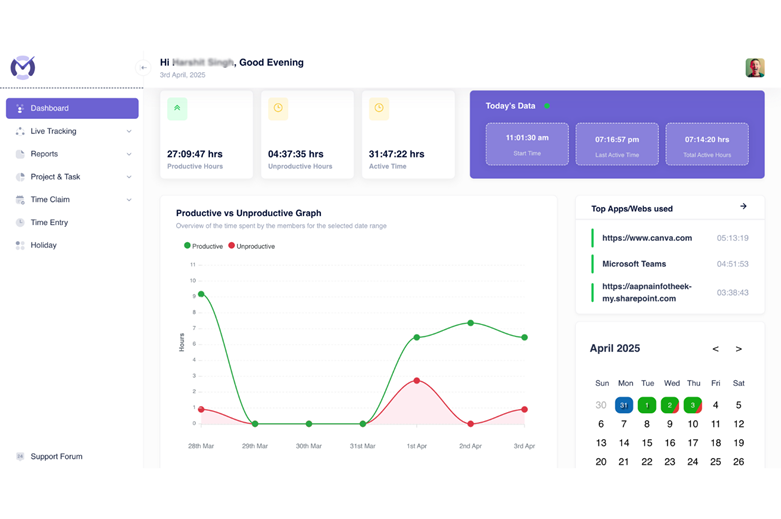
Mera Monitor is built for teams that want clarity, focus, and accountability without feeling micromanaged. It gives you real-time visibility into workflows, helps you understand how time is spent, and highlights bottlenecks that quietly slow teams down.
If you’re managing remote, hybrid or in-office teams, Mera Monitor acts like a productivity command center—combining monitoring, analytics, attendance, and activity insights in one dashboard.
It’s simple to use, highly configurable, and designed to protect privacy while still giving managers the data they need to coach better outcomes.
Key Features
- Analytics Dashboard
Real-time visibility of how teams spend their day, from active hours to productivity patterns. - Screen Monitoring
Live or captured screen activity to validate work progress without intrusive oversight. - Apps & Websites Tracking
Understand which tools drive focus and which ones cause time leakage. - Productivity Reports
Deep insights into active time, idle time, productive vs. unproductive usage, and efficiency trends. - Attendance Tracking
A built-in attendance tracking software module that shows clock-ins/outs, online/offline activity, and shift adherence in one unified view. - Private Mode
Flexible tracking with built-in privacy protection for sensitive tasks. - Time Claim & Approvals
Employees can request time adjustments with complete transparency. - Highly Configurable Settings
Multiple roles, access levels, bulk onboarding, SSO, and privacy controls to suit different workflows.
Best for: Managers who need real-time visibility and productivity analytics
3. Hubstaff
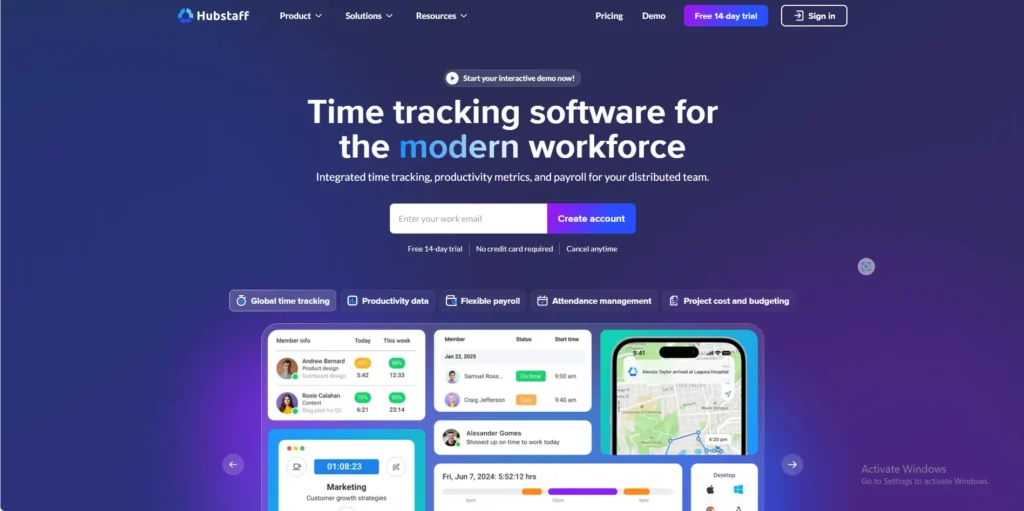
Hubstaff focuses on time tracking plus evidence of work. It adds optional screenshots, activity levels, website and app usage, attendance, and payroll, which is a strong mix for operational teams that bill clients or handle field work.
Key features
- Time tracking across desktop, web, and mobile
- Optional screenshots and activity metrics for proof of work
- Website and app usage with productive and unproductive categorization
- Attendance, scheduling, and paid time off tracking
- Payroll and invoicing based on approved hours
- Project budgets and cost reporting
Best for: Remote teams and agencies that bill clients by hours
4. ActivTrak
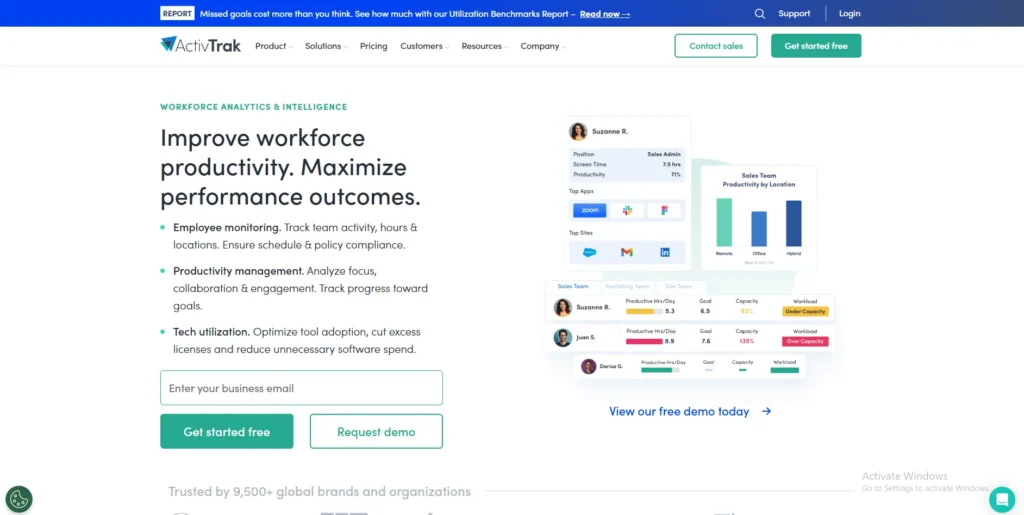
ActivTrak positions itself as workforce analytics more than surveillance. It measures work patterns, focus time, and capacity to help leaders coach teams and set healthier expectations, with privacy choices that remove sensitive data.
Key features
- Productivity and focus insights rather than raw keystrokes
- App and website usage with context
- Workload and capacity views for fair distribution
- Coaching tips from benchmarked data
- Privacy minded defaults with no camera or personal device tracking
Best for: Organizations focused on coaching, focus time, and workforce analytics
5. Time Doctor
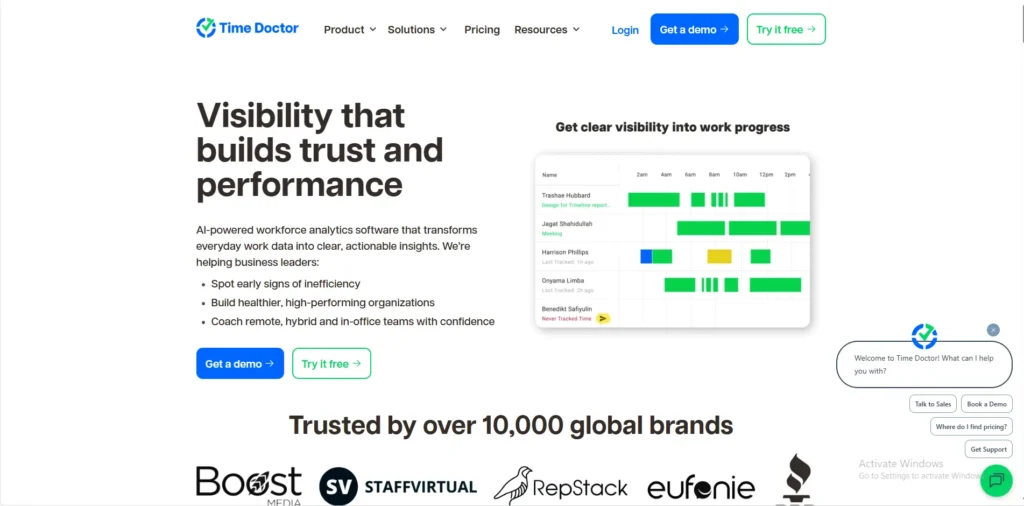
Time Doctor gives managers visibility with project-based time logs, optional screenshots, and web usage tracking. It is popular with distributed teams that need accurate billing and want to reduce distraction without micromanaging.
Key features
- Project and task-based timers with approvals
- Optional screenshots and app or website usage
- Distraction alerts to bring people back on task
- Detailed reports for clients and internal audits
- Payroll exports that match approved time
- Break tracking and workload signals
Best for: Project-based teams that want distraction control and accurate time tracking
6. Insightful
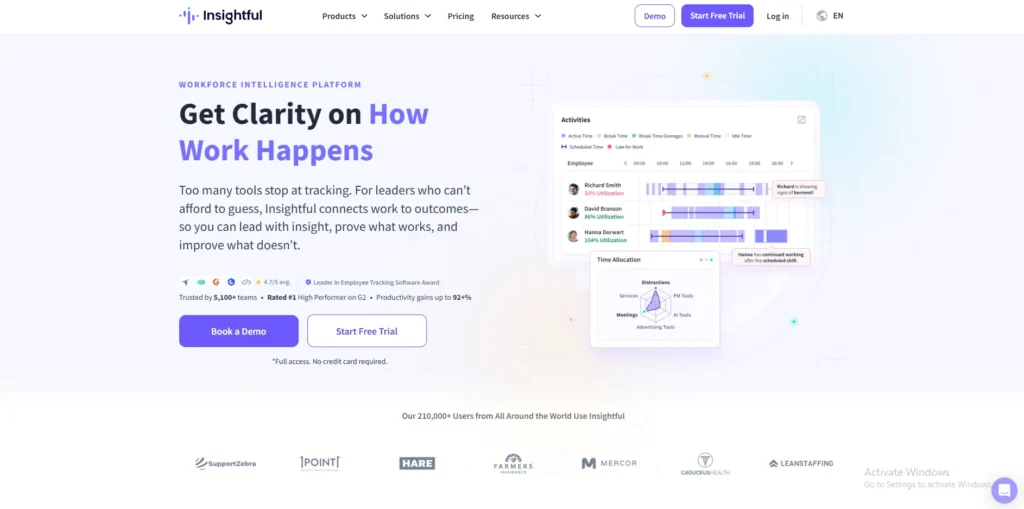
Insightful, formerly Workpuls, focuses on workforce intelligence. It tracks attendance from device activity, connects time to payroll, and turns app usage into cost views, so finance and operations can see the true price of context switching.
Key features
- Automatic clock in and out from computer activity
- App and website analytics tied to labor cost
- Scheduling and attendance with idle handling
- Team and role level dashboards
- API access for custom workflows
- Privacy controls for monitored categories
Best for: Operations and finance teams tracking the true cost of work
7. Veriato
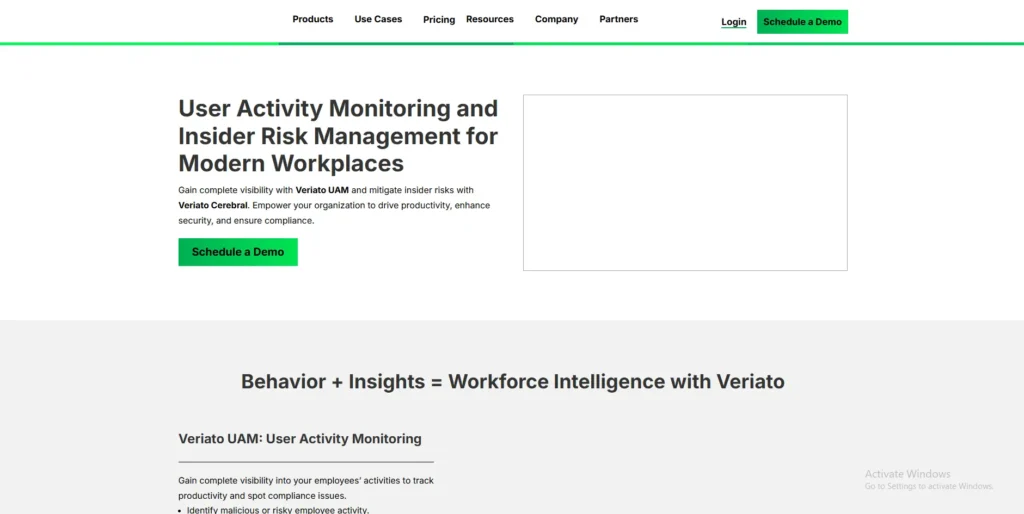
Veriato brings user behavior analytics to monitoring. It watches many activity signals and uses risk scoring to surface unusual patterns. That combination is useful where insider threats and compliance are critical.
Key features
- Broad activity coverage across email, chat, web, files, and network
- AI risk scoring and anomaly detection
- Screen capture and playback for investigations
- Compliance ready audit reporting
- Productivity analytics with trend lines
- Hybrid work monitoring across locations
Best for: Security-focused organizations and compliance-driven environments
8. DeskTime
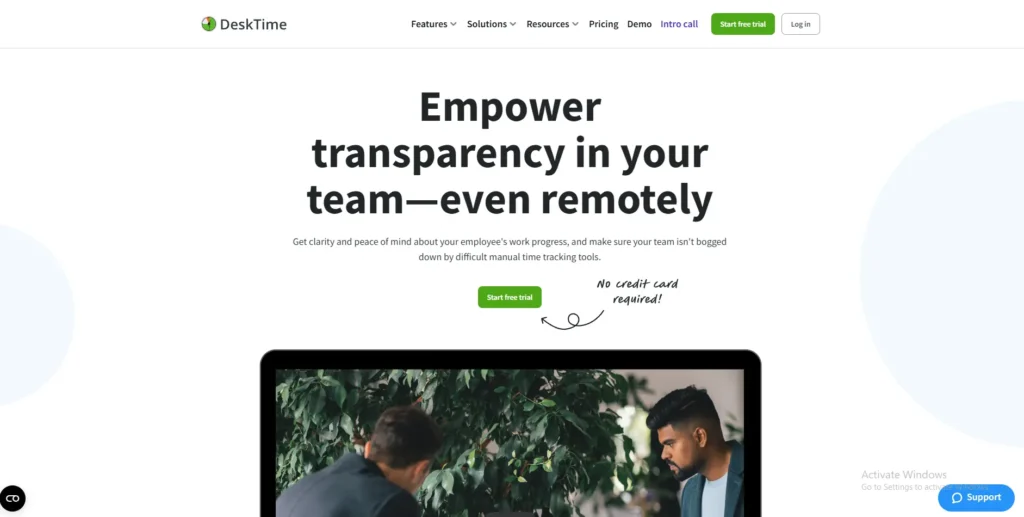
DeskTime emphasizes automatic tracking. It classifies apps and websites, takes optional screenshots, and offers private time for personal tasks, which can ease adoption in teams that care about trust and balance.
Key features
- Automatic time tracking that starts with device use
- App, URL, and document title tracking
- Optional screenshots for visual context
- Reporting and daily productivity scores
- Scheduling and shift planning
- Private time toggle to pause tracking
Best for: Teams that prefer automatic tracking with built-in privacy controls
9. InterGuard
InterGuard is a fully featured suite that covers productivity, browsing, screenshots, alerts, and remote device controls. It is often chosen by companies that need strong oversight across many device types.
Key features
- Central console for user activity data
- Website and app usage with policy alerts
- Screenshot capture rules
- File movement and USB tracking
- Remote device controls for offboarding
- Report automation for managers and auditors
Best for: enterprises that require strict policy enforcement and device oversight
10. SentryPC
SentryPC is frequently rated for deep endpoint coverage, including key logging and extensive capture options, which can be valuable in high control environments. Choose it only with clear policies and consent, since it records sensitive signals.
Key features
- Keystroke logging with search
- Screenshots on intervals and triggers
- Chat, clipboard, and USB monitoring
- Web filtering and application blocking
- Time limits and scheduling per user
- Cloud console for multi device control
- Alert rules for policy violations
Best for: High-control monitoring use cases with deep endpoint visibility
How WhitePanther stands out in day-to-day work
Traditional monitoring stacks are patchwork.
One app for time, one for tasks, one for email, one for meetings, one for calls.
Data lives in silos, and you still spend half your day switching tabs.
WhitePanther compresses that whole loop into a single view.
You can start a timer while opening a task, reply to an email without losing your place, record a quick screen update instead of booking a meeting, and see how the entire day shaped up on one timeline.
That is the difference between watching work and improving it.
Tips for rolling this out with your team
- Write a simple policy that explains what you track and why.
- Turn on the minimum features that answer your key questions.
- Share dashboards with the team so everyone sees the same truth.
- Use the data to coach outcomes, not minutes.
- Review alerts and reports on a set of cadence and adjust.
Conclusion
Employee monitoring software pays off when it reduces guesswork and improves outcomes.
If your goal is better planning, healthier workloads, and fewer status meetings, pick tools that show context, not just activity.
WhitePanther gives you that context because the work happens in the same place as the measurement. The rest of the tools here are strong options for different needs, from security heavy use cases to lightweight analytics.
Start with a clear policy, involve your team, and let the data help you coach rather than control.
We hope this article will help you to make right decision to pick best employee monitoring software in 2026
FAQs
What is employee monitoring software?
Employee monitoring software provides visibility into how work happens—time usage, apps and websites used, attendance, activity trends, and optional proof-of-work—so teams can reduce friction, plan accurately, and improve outcomes.
Is employee monitoring legal and ethical?
Legality depends on your jurisdiction and the signals you track. Always inform employees, obtain consent where required, document a clear purpose and policy, minimize data collected, and apply role-based access. Consult legal counsel for local compliance.
How does monitoring software improve productivity?
It highlights context switching, time leaks, and bottlenecks; connects effort to outcomes; and surfaces workload risks or burnout signals. Used transparently, it supports coaching, better planning, and fewer status meetings—not surveillance.
Which features should businesses look for?
Core features include time tracking, app/website analytics, attendance, privacy controls, alerts, dashboards, and exports to payroll or invoicing.
Advanced needs may require screenshots, DLP/UBA, historical playback, or API integrations—enable only what aligns with policy.
What are the top employee monitoring tools?
Popular options include:
- Unified workspaces like WhitePanther (work, time, and messaging in one place)
- Time-and-proof suites like Hubstaff and Time Doctor
- Workforce analytics tools such as ActivTrak and DeskTime
- Security-focused tools like Teramind, Veriato, and InterGuard
- Platforms for scaling and operations like Insightful, Wrike, and Basecamp
How do we roll this out without hurting trust?
Publish a simple policy explaining what you track and why, start with the minimum features, share team-visible dashboards, coach toward outcomes (not minutes), review alerts on a set cadence, and invite feedback to adjust settings.
Do we need screenshots or keystroke logging?
Most teams don’t. Start with time, apps, websites, and workload signals. Consider screenshots or keystrokes only for specific compliance or investigation needs, with explicit consent, strict access controls, and short retention.
How should we choose the right tool for our team?
Match the tool to your goals:
- Coaching & planning: analytics with minimal data collection
- Client billing: accurate time tracking and invoicing
- Security & compliance: UBA/DLP features
Also evaluate integrations, privacy options, scalability, cost, and adoption. Pilot first, then standardize.

SEO Content Marketer
I help IT, SaaS, and tech brands turn complex ideas into clear, conversion-focused content—blogs, landing pages, and campaigns that educate buyers, build trust, and drive qualified leads. I blend sharp storytelling with SEO and marketing strategy so every piece earns its place in the funnel.



