🚀 We are live on Product Hunt Check out →
🚀 Campaign Extended till 24-11-2025, grab your early Black Friday Deal now

Keep Your Workflow Moving with Connected Storage

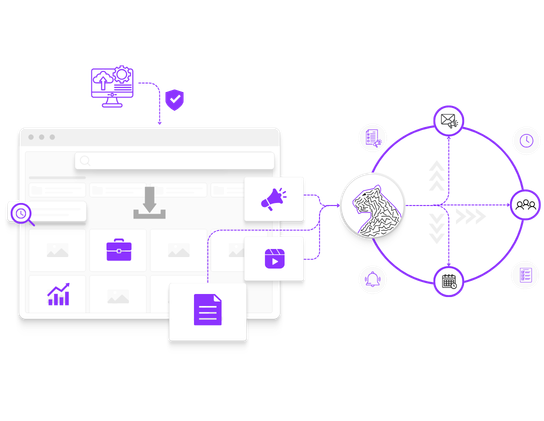
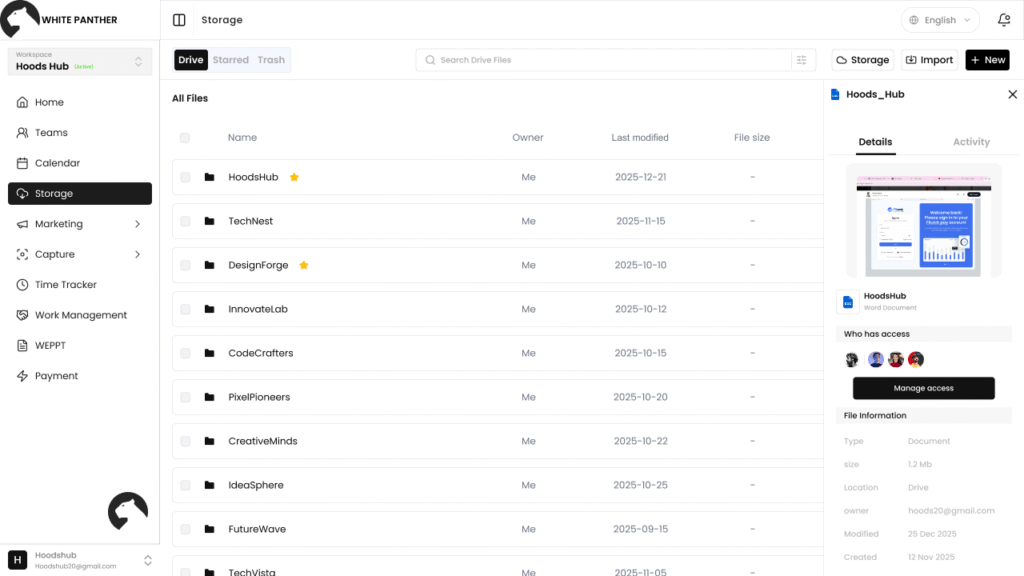
Connect your Google Drive or Dropbox once, then access, upload, and download files from the same WhitePanther dashboard you already use for daily work. Keep everything in sync without jumping between tabs.

Disconnect anytime, No passwords saved

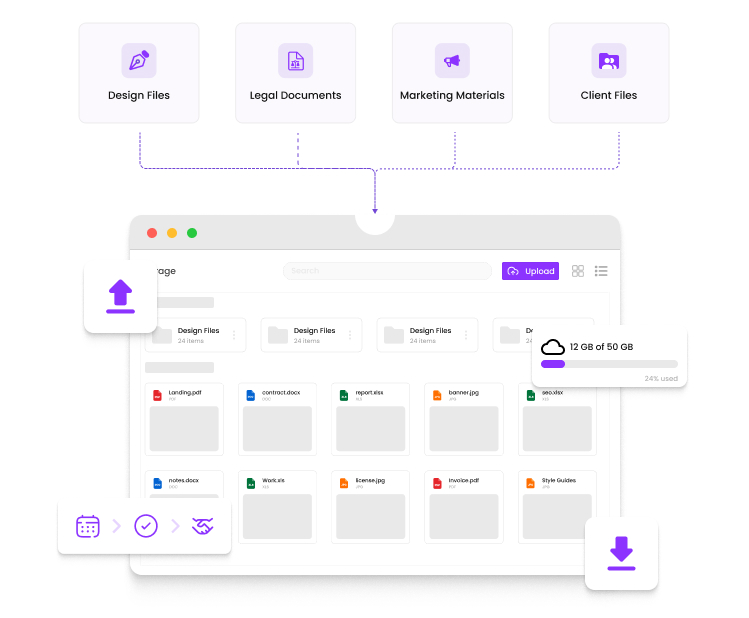
Creative Files? Client Docs? It’s All Here

Access your Google Drive or Dropbox without ever leaving WhitePanther.

Who Is This Built For?

Anyone Who Works with Files, Daily
From founders and IT leads to ops managers, support teams, and agency admins, this is for people who touch files all day. If your work includes sharing docs, pulling the latest version, or sending assets fast, WhitePanther keeps Drive and Dropbox reachable from one dashboard.

Open. Upload. Sync. All Without Leaving WhitePanther

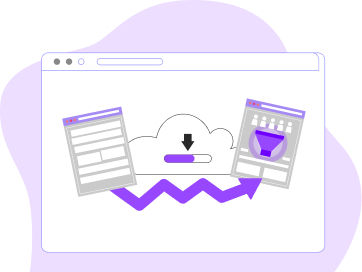
Access your Google Drive or Dropbox directly inside WhitePanther and work with files as they update live. Upload from WhitePanther, edit in Drive or Dropbox, and always see the latest version without refreshing or switching tabs. 

We connect your cloud accounts without compromising security. By using trusted authentication protocols, we make sure your data stays yours and safe.  

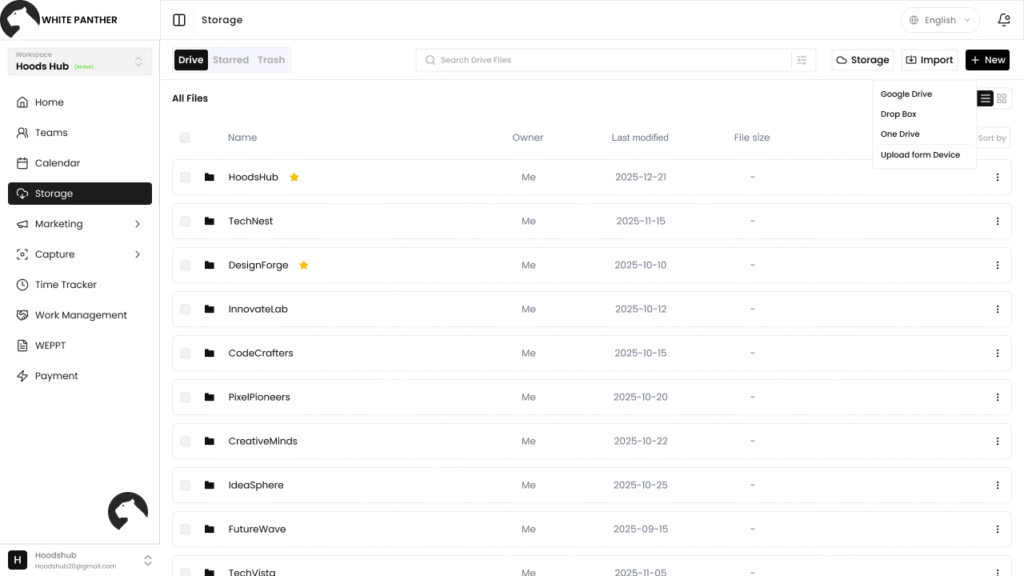
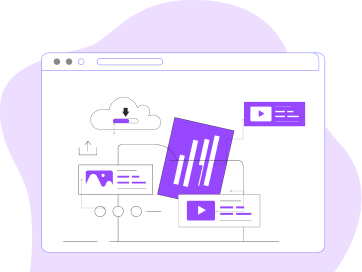
Send assets to your Drive or Dropbox without leaving the workspace. You can handle uploads and downloads within the app. It’s quick, simple and smooth.  

Work from your laptop, switch to tablet, or check from your phone, your files are synced through cloud integration, so you don’t have to transfer them manually. 

You’ve got storage. We just make it usable

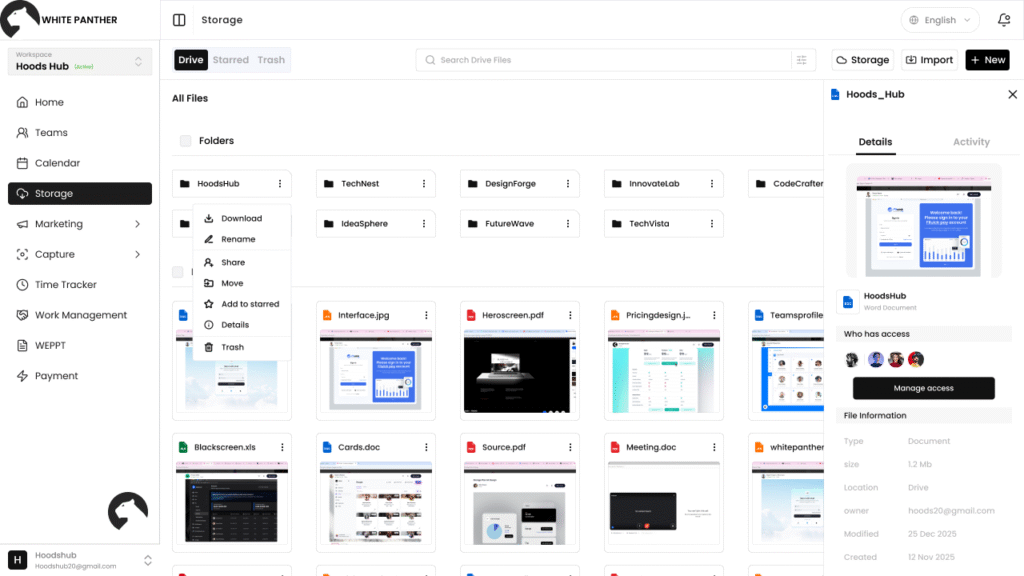
WhitePanther connects to your cloud so you can open, share, or upload files without the usual shuffle. It’s faster, cleaner, and simpler.

How to Set Up Your Cloud Storage in WhitePanther? 

Open Storage

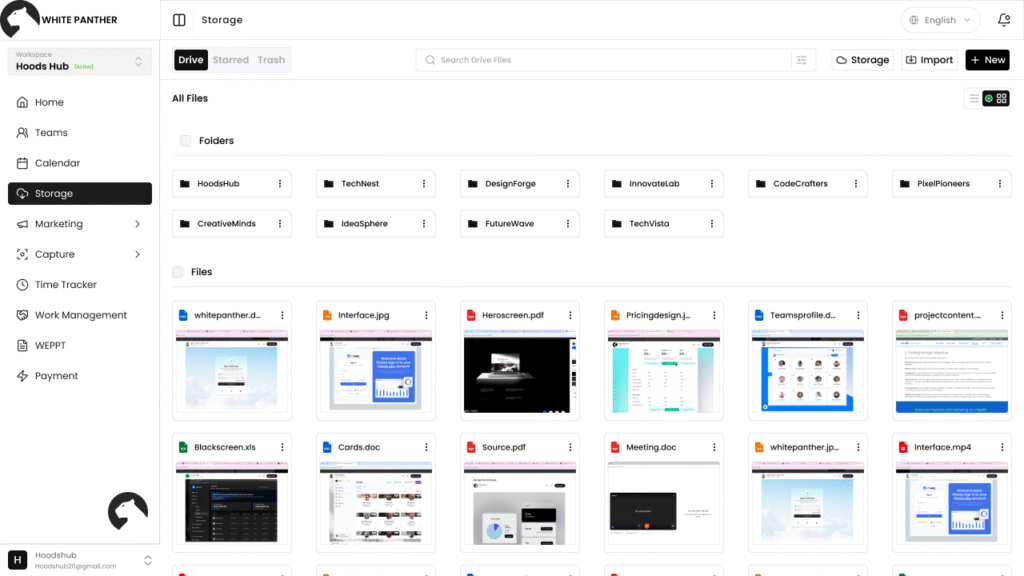
Open WhitePanther and select the ‘Storage’ option directly from the main sidebar.

Connect Account

Choose your preferred cloud provider. Log inp securely using OAuth and your credentials stay private.

Start Using

Your cloud folders are now connected. Instantly upload, preview, or attach files without leaving the dashboard.

Your Files, Connected to Your Workflow

Integrate your existing cloud storage and access files where work happens, keeping teams aligned, workflows smooth, and productivity moving forward without switching platforms.

How Different Industries Benefit from WhitePanther’s Cloud Storage Feature Sync? 

 WhitePanther X Cloud Storage Sync 

Cloud storage isn’t a feature in WhitePanther, it’s embedded
across every workflow 

Cloud + Connected Drives

Link Google Drive and Dropbox once and access both from a single interface without switching between separate cloud platforms. 

Call & Meeting Notes

Reference cloud-stored decks or documents during calls. Keep everything accessible without scrambling or pausing mid-conversation.

Cloud + Centralized File View 

Browse, search, and manage all connected cloud files inside one structured dashboard instead of jumping across multiple storage tabs. 

Frequently asked questions

No. You can connect your existing Google Drive or Dropbox account directly. So no new setup or migration is required from your end. 

Yes. We use secure OAuth login and never store your credentials. Your files are stored on Google Drive or Dropbox, not our platform. So, all your cloud data is safe and secure. 

Absolutely. You can upload files directly to your connected Drive or Dropbox without switching platforms.

Yes. Any changes made in Google Drive or Dropbox are reflected in WhitePanther automatically through real-time sync. It works two ways: any changes made in WhitePanther are also reflected in your drive and Dropbox.

Yes. Since WhitePanther connects to your cloud accounts, your files are accessible from any device you log in from.

Bring All Your Cloud Files Into One Workspace

Access, upload, and manage files from your connected cloud tools—without switching tabs.Â