WhitePanther Orchestrator: The Brain Behind Connected Workflows
WhitePanther Orchestrator helps your business reduce manual handoffs, prevent information loss, and keepswork moving across conversations, meetings, tasks, and files. It turns disconnected steps into connected execution, so you spend less time coordinating work and more time delivering outcomes.
WhitePanther Orchestrator is designed for startups, operations teams, project leads, managers, and business functions that handle high coordination volume every day. It is especially valuable where timing, accountability, and clean handoffs matter because small execution gaps quickly become larger business problems.
Spend Less Time Coordinating. Get More Work Done With Orchestrator.
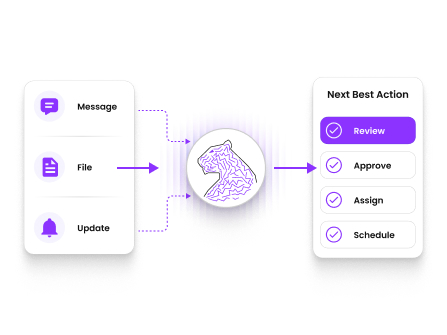
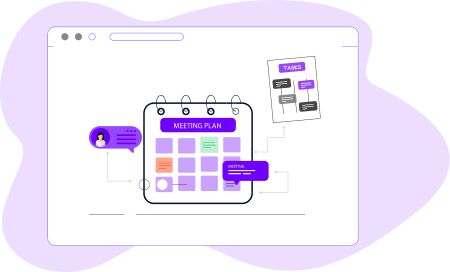
WhitePanther Orchestrator understands the intent behind work, helping you move efficiently from messages, files, or updates to the appropriate next action.
Understands work intent
Connects related steps
Reduces missed context
Speeds up follow-through
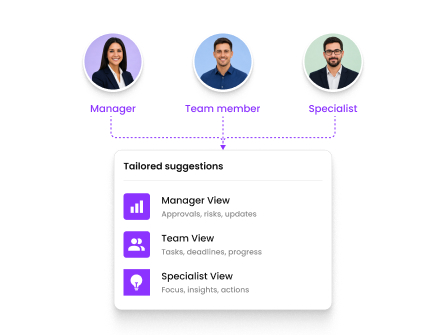
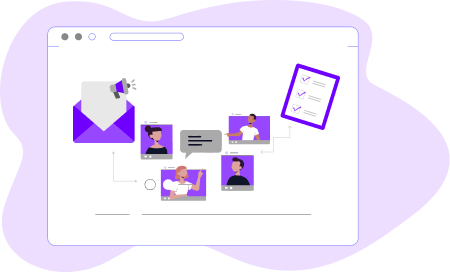
WhitePanther Orchestrator tailors its suggestions based on who is working, so managers, teams, and specialists get support that fits their responsibilities.
Adapts by role
Supports better delegation
Improves decision support
Keeps actions relevant
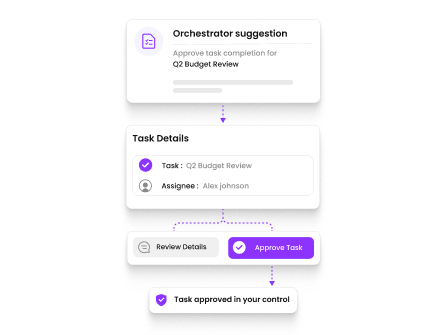
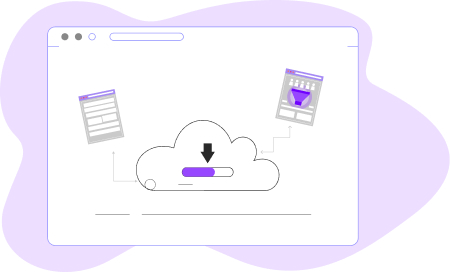
WhitePanther Orchestrator helps automate the next step, while keeping people in control of approvals for important business actions and decisions.
Suggests before acting
Keeps approval in hand
Reduces risky automation
Builds user trust
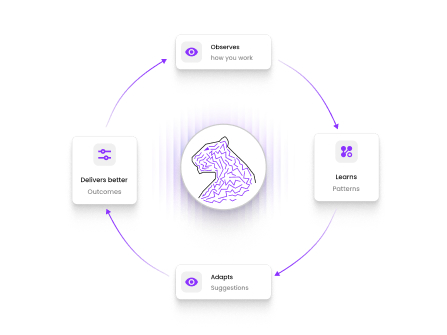
WhitePanther Orchestrator improves with usage over time, helping the platform fit your company’s working style, priorities, and workflow patterns better.
Learns individual preferences
Adapts to workflows
Improves over time
Feels more natural
Built For Secure Workflow Intelligence
Self-Hosted Intelligence
WhitePanther Orchestrator runs within your own environment, so workflow context, internal activity, and business operations stay inside your infrastructure.
No Training Leakage
Your conversations, files, task signals, and coordination data remain yours and are not used to train external AI models.
Task-Only Data Access
WhitePanther Orchestrator works only with the workflow signals needed for the task, while keeping every interaction protected with enterprise-grade encryption and stronger data control.
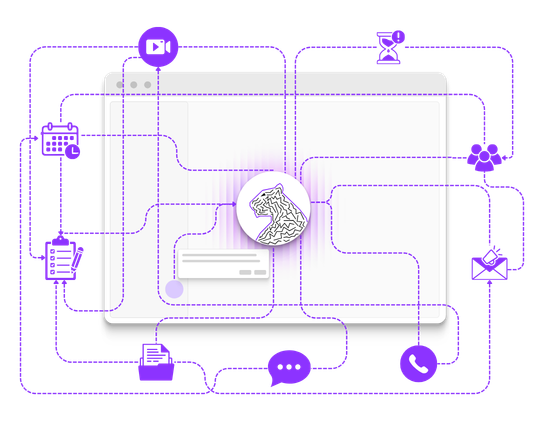
WhitePanther Orchestrator is the intelligence layer that connects activity across the platform. Instead of leaving chats, meetings, files, and tasks disconnected, it helps turn intent into coordinated action across workflows.
Most automation tools follow fixed rules. WhitePanther Orchestrator works with context, role awareness, and workflow intent, which helps it support smarter handoffs instead of just triggering basic actions.
No. Sensitive actions are designed to stay under human control. It can suggest the next step and prepare the workflow, but confirmation stays with the user for important business actions.
It helps reduce manual coordination, missed handoffs, repeated context sharing, delayed follow-through, and the operational drag created when youhave to connect workflows manually.
Yes. It helps keep conversations, deadlines, tasks, files, and updates connected, which makes it easier for departments to stay aligned without depending on memory or extra follow-up.
Yes. It is designed to learn from workflow patterns, edits, and usage preferences, which helps it fit the way your business actually works as teams continue using it.
When Work Connects Better, Everyone Deliver Better
Give you and your team a smarter operating flow that reduces missed handoffs, improves follow-through, and keeps work moving with less friction.