
If you are building a startup right now, your brain is probably spread across twelve tabs, five Slack DMs, and a notebook that went missing three days ago.
Everyone keeps telling you that you just need “the right tools” and everything will fall in place.
Reality: most founders already have a lot of tools. What they do not have is a calm, connected way to work. That is where choosing the right productivity tools for startups actually matters.
In this guide, we’ll walk you through something practical.
No shiny recommendations that only work if you have a 50-member team.
We will talk about where productivity breaks for young teams, then go through ten realistic productivity tools for startups you can start using this month.
Table of Contents
Where Startup Fail to Improve Productivity

You can buy every software on Product Hunt and still feel behind. Most early teams struggle with productivity for some very basic reasons:
Too many tools, zero workflow
You have a separate app for email, tasks, docs, chat, meetings, notes, and files. Every time you switch windows, your brain needs a few seconds to remember what you were doing. Do this a hundred times a day and you lose hours.
No single source of truth
People are not lazy. They are just confused. Half the plan lives in Notion, the rest in a random Google Doc, and the “real” decisions are buried in WhatsApp or Slack chats.
Founders stuck in operations
Instead of spending time on customers and product, founders babysit follow ups, approvals, and status updates. You become the human reminder app.
Tools picked like shopping, not like systems
Many teams treat tools like a shopping list of features. In reality, good tools for startup productivity work like a system. They keep communication, planning, and execution in one connected flow.
So when you think about picking startup growth tools, the first question is not “What has the most features?” It is “Will this make my team’s day feel lighter and clearer?”
Top 10 Productivity Tools for Startups
1. WhitePanther – your all-in-one AI Powered Workspace
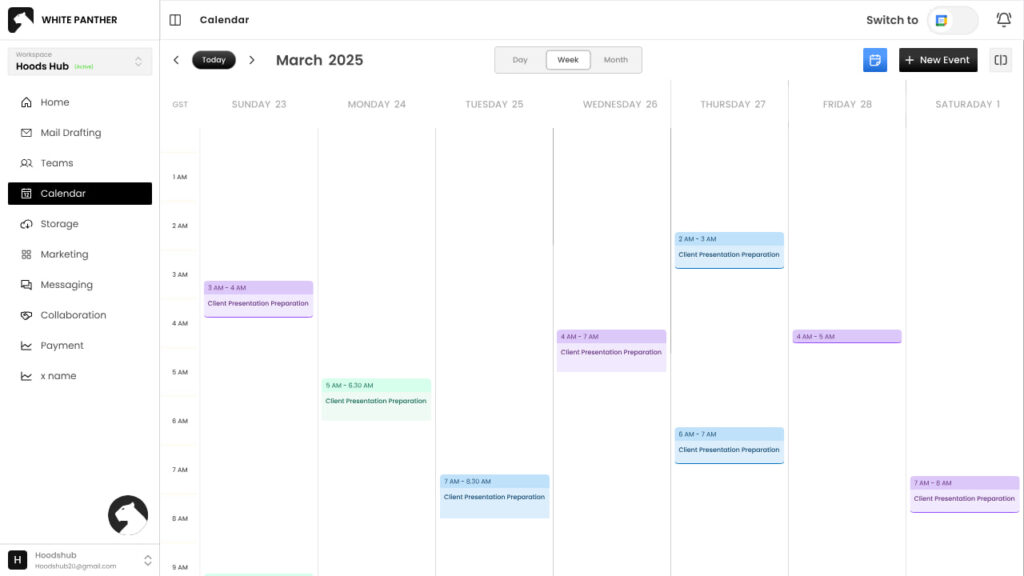
WhitePanther is built for the exact chaos most early stage teams live in. Instead of opening ten apps, you get one clean dashboard where you can see emails, tasks, calls, meetings, files, notes, and even AI writing inside a single space. No reloads. No tab hopping.
WhitePanther keeps your daily work inside one dashboard so you can move from “reply to this email” to “check the task” to “open the file” without touching your browser tabs. It is like having your office desk arranged properly instead of piled with random papers.
Key features
- One dashboard for emails, tasks, chats, meetings, and files
- Time tracker and screen recorder for client work and internal reviews
- AI assistant for drafting emails, summaries, and content inside the app
- Cloud storage integration so you open Google Drive or Dropbox files without leaving
- No page reloads, everything opens in the same space
Why startups should use it
If you want one of the rare productivity tools for startups that actually reduces tool count, WhitePanther is worth testing. Also, there is no per user fee, so you can grow your startup without having to worry about growing cost.
2. Notion – flexible docs and light project management
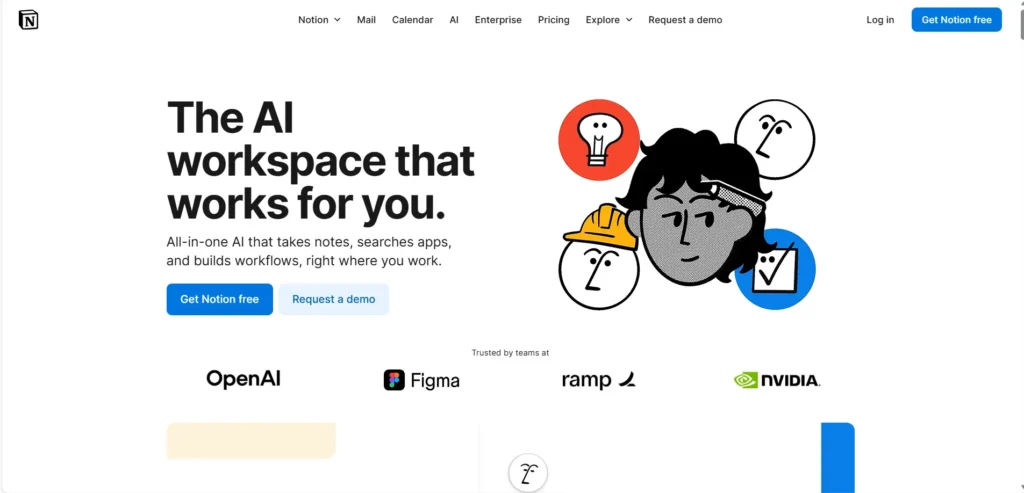
Notion is where many teams write things down. It works as a mix of notes, docs, wikis, and light project boards. Great for storing knowledge and planning sprints if you keep it simple.
You can create pages for meeting notes, product specs, company wiki, and OKRs. Databases make it easy to build task lists, roadmaps, or even lightweight CRMs if you do not want a full system yet.
Key features
- Pages for notes, wikis, and documentation
- Databases for tasks, projects, and simple pipelines
- Templates for onboarding docs, product specs, and more
- Real time collaboration for the whole team
Why startups should use it
Notion is one of the best productivity tools for startups that want structure without feeling too heavy. Just be careful. If you over design your workspace, people stop using it.
3. Slack – focused team communication
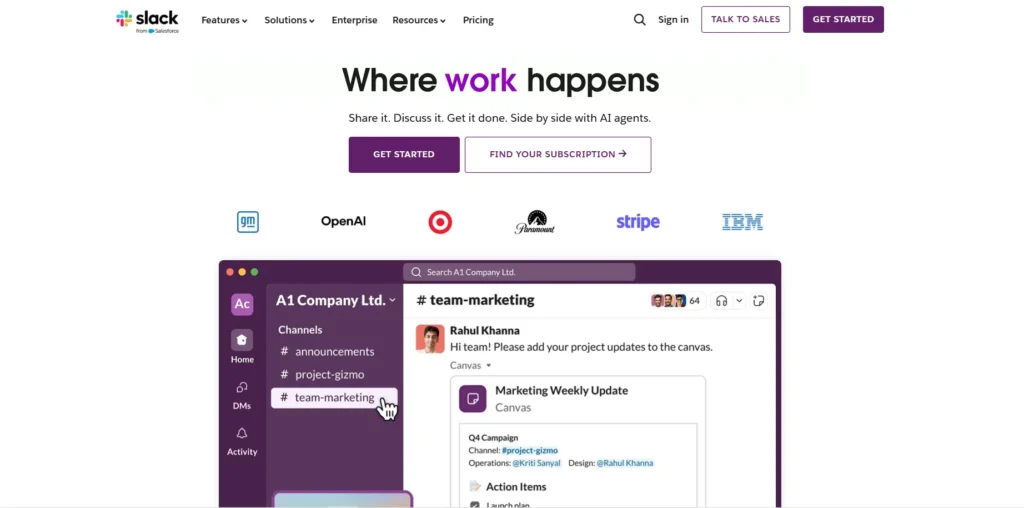
Slack keeps internal conversations out of WhatsApp and random email threads. You create channels for teams, projects, and topics so messages stay organized.
Instead of endless group chats, you get channels like #product, #support, and #marketing. People can jump in, reply, and share files in context.
Key features
- Channels for different teams and projects
- Quick audio huddles for fast discussions
- Integrations with tools like GitHub, WhitePanther, and Google Drive
- Searchable history so you can find past decisions
Why startups should use it
For fast growing teams, Slack sits in the middle of your communication stack. Among tools that support fast growing teams, it is one that scales well as your team size goes from three to thirty.
4. Google Workspace – email, calendar, and shared drive
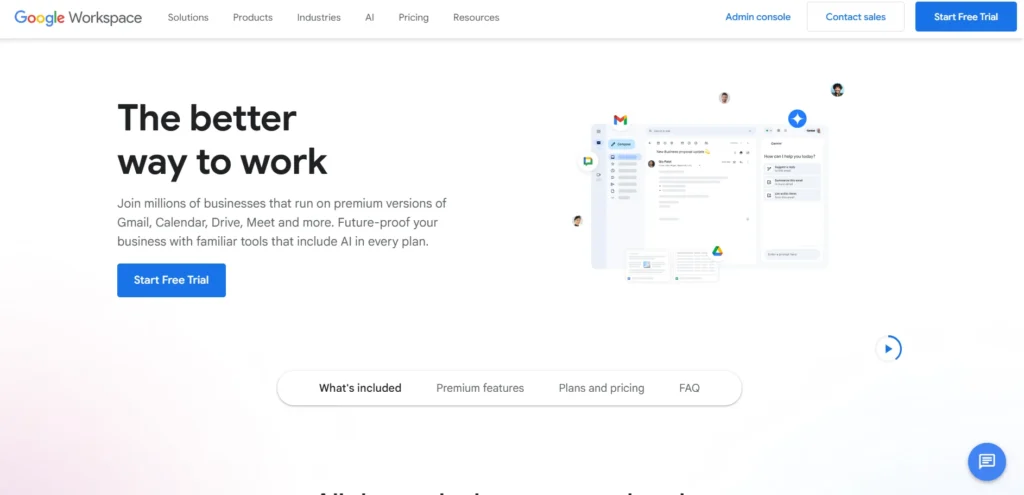
At some point you need proper email, calendar, and shared drives that do not sit in personal accounts. Google Workspace gives you that foundation.
You get branded email like yourname@yourstartup.com, shared calendars for meetings, and Google Drive for docs, sheets, and presentations.
Key features
- Branded Gmail for the whole team
- Shared calendars for meetings and availability
- Google Drive with Docs, Sheets, and Slides
- Live collaboration on documents
Why startups should use it
Think of this as one of the default tools in a startup productivity stack. You will use it daily for investor communication, customer emails, hiring, and more.
5. ClickUp – deep task and project management
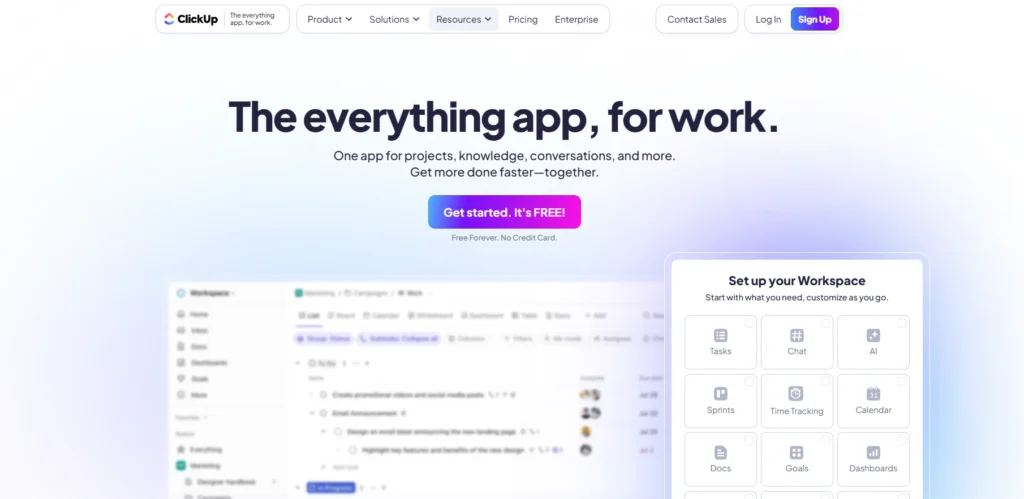
If your work has a lot of moving parts, ClickUp gives you serious project management powers in one place.
You can create spaces for teams, lists for projects, and tasks with assignees, due dates, and custom fields. Views like list, board, and timeline help different people see work how they like.
Key features
- Tasks with subtasks, dependencies, and custom fields
- Multiple views like list, board, Gantt, and calendar
- Time tracking inside tasks
- Docs and whiteboards built in
Why startups should use it
Out of all startup growth tools in project management, ClickUp is good when your team is ready for more structure. Just commit to one simple setup and avoid rebuilding your workspace every month.
6. Loom – async video explaining tool

Loom is perfect when you are tired of long messages and unnecessary meetings. You record your screen with your face in the corner and talk through whatever needs explaining.
You hit record, walk through a design, a bug, or a new feature, and share the link with your team or clients.
Key features
- Screen, camera, or both in one video
- Instant shareable links
- Comments and reactions on specific timestamps
- Basic editing like trimming
Why startups should use it
Loom is one of those quiet tools that improve productivity for early teams and save hours. Instead of three meetings, you record one clear Loom and move on.
7. Calendly – easy meeting scheduling

No one enjoys back and forth messages about “What time works for you?” Calendly removes that dance.
You set your available slots, share your link, and people pick a time that suits them. It syncs with your calendar to prevent double booking.
Key features
- Custom meeting types and durations
- Automatic time zone detection
- Calendar integration with Google or Outlook
- Reminder emails for attendees
Why startups should use it
For founders doing sales calls, interviews, and investor chats, Calendly feels like a small but powerful part of your scheduling and growth stack.
8. Zapier – connect apps and automate tasks
At some point, you realise your tools are not talking to each other. Zapier comes in as the glue.
Zapier lets you create simple workflows. Example: when someone fills a Typeform, create a lead in your CRM and send a Slack notification.
Key features
- Thousands of app integrations
- No code automation builder
- Multi step workflows
- Filters and conditions
Why startups should use it
Zapier is one of the most important startup growth tools when you want systems without hiring a full engineering team for internal tools. You automate boring tasks and keep humans for the important work.
9. HubSpot CRM – manage leads and customer pipeline

Even very young startups need a simple way to track leads and customers. HubSpot CRM gives you that without forcing you to pay on day one.
You get contacts, companies, deals, and a simple pipeline view. Emails can log automatically so you see the full history with every lead.
Key features
- Contact and company records
- Deal pipelines with stages
- Email logging and tracking
- Basic reports and dashboards
Why startups should use it
If you are serious about sales, HubSpot becomes one of your core productivity tools for startups. It keeps your follow ups honest and your pipeline visible.
10. Fathom – automatic meeting notes
Founders spend half their week in meetings and remember only half of what was said. Fathom helps with that.
Fathom records your Zoom, Google Meet, or Microsoft Teams calls, then generates searchable transcripts and key highlights.
Key features
- One click recording inside meetings
- Automatic transcripts and call summaries
- Highlight clips for important moments
- Integrations with tools like HubSpot and Notion
Why startups should use it
As one of the smarter growth tools for meetings in young companies, Fathom lets you stay present on calls while it captures the details. After the call, you share short clips instead of writing long recaps.
Conclusion: build a simple stack and stick to it
Here is the honest part. You do not need all ten tools tomorrow.
Start with a calm core: an all in one workspace like WhitePanther, proper email and calendar through Google Workspace, and one clear place for documentation like Notion. That set alone gives you a strong base of productivity tools for startups.
Then add communication, scheduling, automation, and CRM slowly as your team’s work demands it. Treat these tools as startup growth tools, not as shiny toys. Before buying anything, ask one question:
“Will this make it easier for my team to start the day, see what matters, and finish important work without drowning in tabs?”
If the answer is yes, keep it. If the answer is no, say no to the feature list and protect your team’s focus instead.
FAQs
1. How do I know which productivity tools for startups I actually need first?
Start with tools that reduce switching. You need one workspace for communication, tasks, files, and meetings. After that, add scheduling, automation, and CRM tools only when your daily workflow demands it.
2. Why do startups struggle even after using multiple productivity tools for startups?
Most teams use too many disconnected tools. Productivity drops when information is scattered and people keep switching tabs. The right tools work like a system, not a collection of apps.
3. Are startup growth tools expensive for early founders?
Not always. Many tools offer free plans or affordable tiers. What matters is using a small, efficient stack that helps you work faster instead of paying for ten apps nobody fully uses.
4. How do I choose the best productivity tools for startups for my team?
Pick based on workflow, not features. Ask: Will this reduce chaos? Will it help my team finish tasks faster? If a tool doesn’t directly improve clarity or execution, skip it.
5. Can productivity tools for startups replace manual follow ups and repetitive work?
Yes. Tools like WhitePanther, Zapier, and CRM systems help automate reminders, status checks, logging, and daily admin work. This frees founders and teams to focus on customers and growth.

SEO Content Marketer
I help IT, SaaS, and tech brands turn complex ideas into clear, conversion-focused content—blogs, landing pages, and campaigns that educate buyers, build trust, and drive qualified leads. I blend sharp storytelling with SEO and marketing strategy so every piece earns its place in the funnel.



