
TL;DR
- Start with basics like task ownership, due dates, and clear status before fancy features
- Roll out productivity software using one painful workflow, not everything at once
- Set a simple rule: real work must live inside the tool
- Productivity tools help small teams and solo founders by adding structure early
- Measure success by fewer follow-ups, fewer missed deadlines, and faster handoffs
- Most tools fail due to weak ownership, messy setup, and no clear rules
- Keep one source of truth for tasks, updates, and decisions or adoption will die
If your team feels “busy” all day but the real work still crawls, that is usually a systems problem, not a motivation problem. People are juggling requests, chasing updates, rewriting the same info in different places, and making decisions with half the context. You fix that by tightening how work is planned, tracked, shared, and reviewed.
That is exactly where Productivity software earns its keep. It gives your team a shared way to capture work, turn it into clear actions, keep the right people in the loop, and measure progress without daily chaos.
Table of Contents
What is productivity software?
At its simplest, Productivity software is a category of applications that help people produce and manage information. Think documents, spreadsheets, presentations, databases, and the tools that support day-to-day work.
In modern teams, the definition has expanded. It often includes work management, collaboration, and communication layers because work is rarely solo anymore.
A practical way to think about it is this: productivity tools reduce friction between “we need to do this” and “it is done and everyone knows it.”
Common categories you will see
Good Productivity software usually covers a few of these categories, even if it calls them different names.
- Work management: tasks, projects, priorities, owners, timelines
- Documents and knowledge: docs, wikis, SOPs, internal references
- Communication: email, chat, meetings, async updates
- Planning and reporting: dashboards, goals, workload, status visibility
- Automation: recurring work, reminders, approvals, handoffs
Why do you need a productivity software?
Here is the blunt truth. Teams lose time in predictable places. If you can spot these patterns in your week, you are ready for Productivity software.
1) Work ownership stays fuzzy
A task without an owner is just a suggestion. When ownership lives in people’s heads, follow-ups multiply and deadlines drift.
2) Priorities change, but nobody updates the plan
Every team has shifting priorities. The problem starts when the “new plan” exists only in someone’s inbox or a quick call, and everyone else keeps running the old play.
3) Decisions disappear
You discussed it. You agreed on it. Two days later, someone asks, “Wait, what did we decide?” Good tooling keeps decisions attached to the work.
4) Handovers get messy
Marketing hands something to design. Design hands it to web. Web hands it to sales. If the handover is just a message, details get lost and rework grows.
5) Leaders want updates, and teams lose hours giving them
Status meetings are fine. Status meetings that exist because nobody can see progress are expensive. A solid system replaces most “quick update?” pings with visibility.
6) “Important work” keeps getting squeezed out
Busy work expands to fill the day. The fix is simple structure: fewer active priorities, clear next actions, and a place where the team can see what matters.
Factors to choose the right productivity software
Picking Productivity software is less about shiny features and more about fit. Here is what actually matters when you are choosing.
1) Your work shape
Ask this first:
- Is your work mostly projects with a start and finish?
- Is it ongoing operations with repeatable processes?
- Is it client delivery with approvals and handoffs?
- Is it product and engineering with sprints and backlogs?
Different tools lean into different work shapes. Choose the one that matches your reality.
2) Clarity of ownership
Look for strong basics:
- clear assignees
- due dates and dependencies
- status visibility that the team actually uses
- lightweight updates that feel natural, not forced
If a tool makes ownership feel heavy, adoption will stall.
3) Collaboration depth
Some teams need quick comments. Others need structured reviews, approvals, and long threads tied to the work. Match the tool to your collaboration style.
4) Documentation and knowledge
If your team repeats the same answers, you need a place for living docs and internal references. A tool that connects knowledge to work reduces rework.
5) Reporting and decision support
You want visibility without spreadsheet gymnastics. Check for:
- dashboards
- project health signals
- goal tracking
- workload views
Platforms like Asana and monday.com highlight reporting and workflow visibility as core capabilities.
6) Automation that saves real time
Automations should remove repetitive actions, especially recurring work, reminders, and standard handoffs. Asana highlights workflow automations, and Trello has built-in automation through Butler.
7) Integrations and ecosystem
Even the best system still has to connect with the rest of your stack. Look for reliable integrations and a healthy marketplace. monday.com, for example, maintains an integrations marketplace.
8) Security and admin controls
For real teams, permissions, audit trails, and admin governance matter. Google Workspace, for example, offers core collaboration apps with admin management and security controls depending on edition.
9) Pricing that matches how you scale
Pricing usually moves with seats, advanced permissions, storage, and reporting. Plan for where you want to be in 12 months, not just today.
10) Adoption, or the tool fails
A tool only works if people use it. Run a simple test in your head: could your least techy teammate use this by the end of day one?
Top 10 productivity software in 2026
In 2026, Productivity software is basically your team’s operating system.
Here are ten strong options for 2026, with different strengths depending on how your team works.
1) WhitePanther
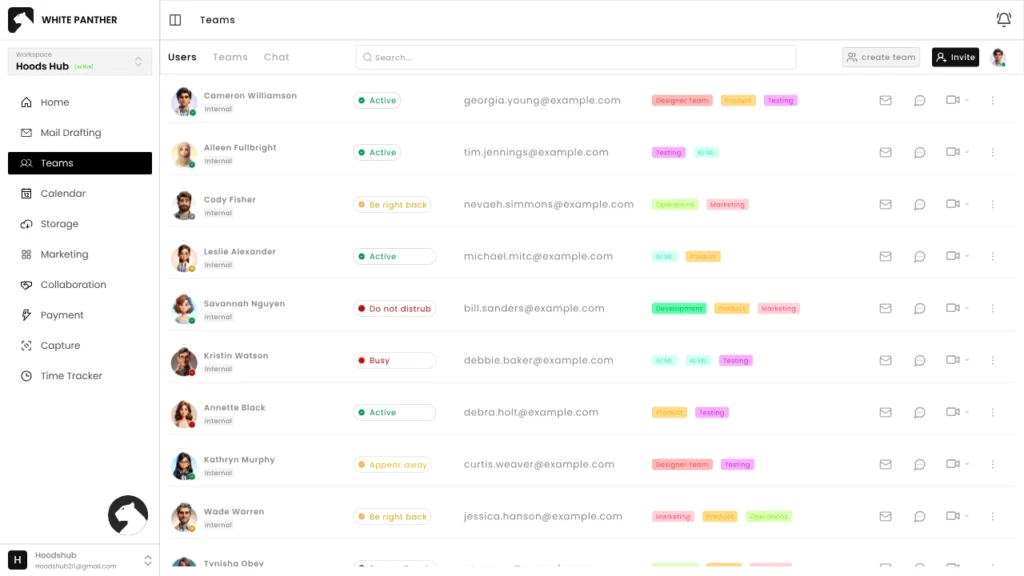
Best for: Teams that want one place to run tasks, email, meetings, time tracking, and more.
Why it stands out:
- A unified work hub built for daily execution
- Smooth navigation with no reload feel across modules
- Built to support both individual focus and team coordination
- No per seat fee
Key features:
- Task and project management
- Team chats, calls and meetings
- Email drafting and management
- Meetings, notes, and follow-ups
- Time tracking and work logs
- Team communication and collaboration
- Screen recording
2) Microsoft 365
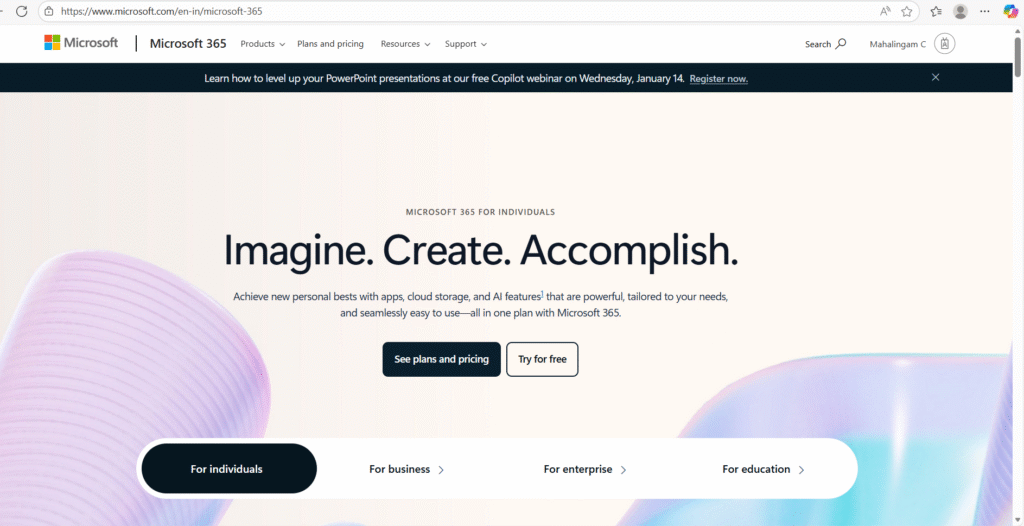
Best for: Companies that live in Office documents and want a familiar ecosystem.
What you get:
- Core apps like Teams, Word, Excel, PowerPoint, Outlook, and OneDrive as part of Microsoft 365.
- Strong document creation and collaboration across devices.
When it fits:
- Heavy document workflows
- Teams that already operate inside Microsoft accounts and policies
3) Google Workspace
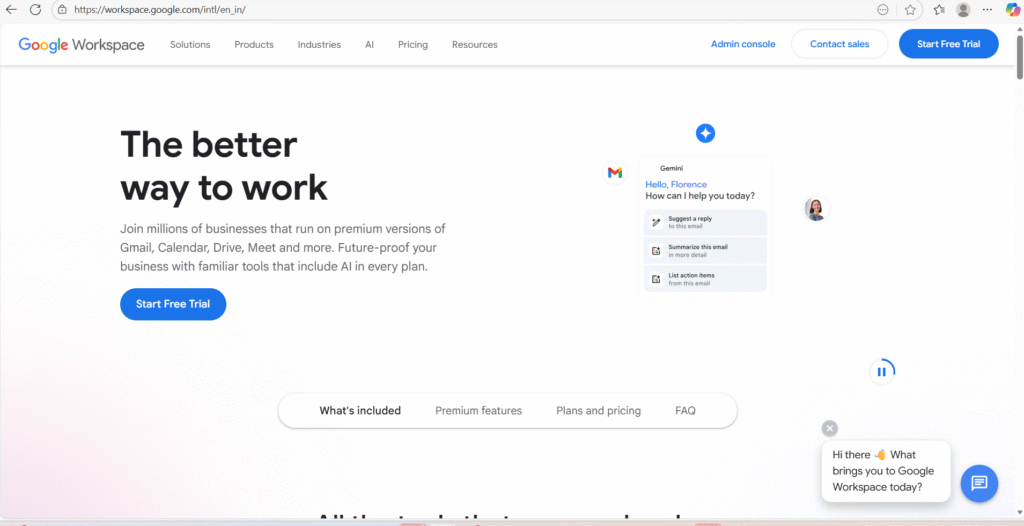
Best for: Teams that want cloud-first collaboration around email, files, and meetings.
What you get:
- Gmail, Calendar, Meet, Chat, Drive, and Docs editors like Docs, Sheets, and Slides.
- Admin management and edition-based controls for business use.
When it fits:
- Fast-moving teams that collaborate heavily in shared docs
- Distributed teams that rely on Meet and shared calendars
4) Notion
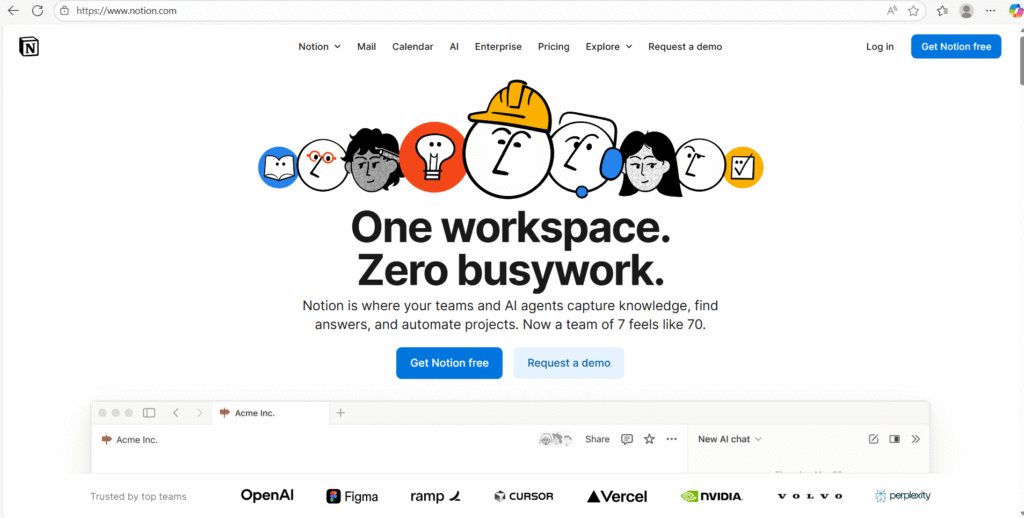
Best for: Teams that want docs, wikis, and projects connected in one workspace.
What you get:
- Docs and flexible building blocks for internal documentation.
- Projects and connected workspace for docs and project tracking.
- Calendar that ties deadlines and timelines to planning.
When it fits:
- Knowledge-heavy teams
- Startups that want a flexible system for both work and documentation
5) ClickUp
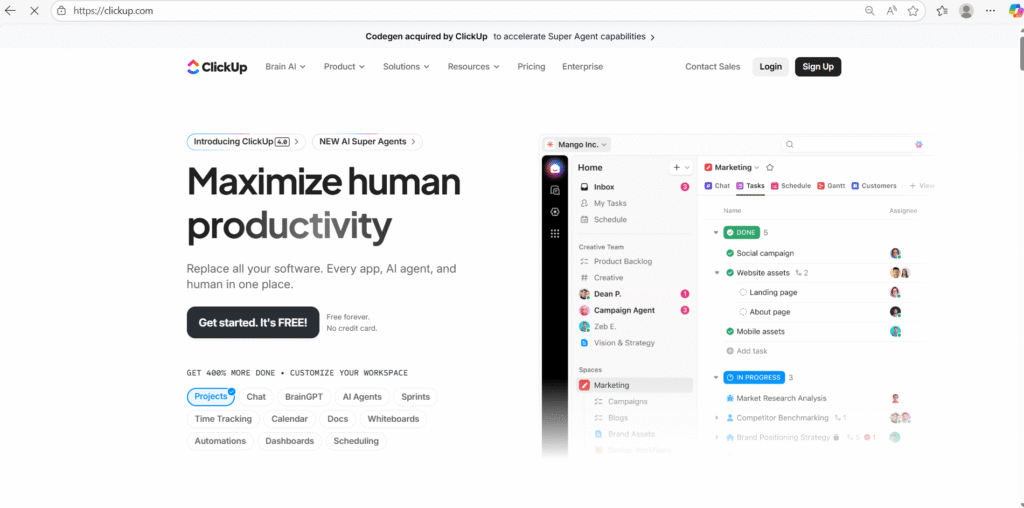
Best for: Teams that want deep customization across tasks, docs, goals, and reporting.
What you get:
- Tasks, Docs, Goals, Whiteboards, Dashboards, and Chat as core components.
- Time tracking built into the platform.
When it fits:
- Teams that want one configurable platform for many workflows
- Agencies and operations teams that need views, templates, and reporting
6) Asana
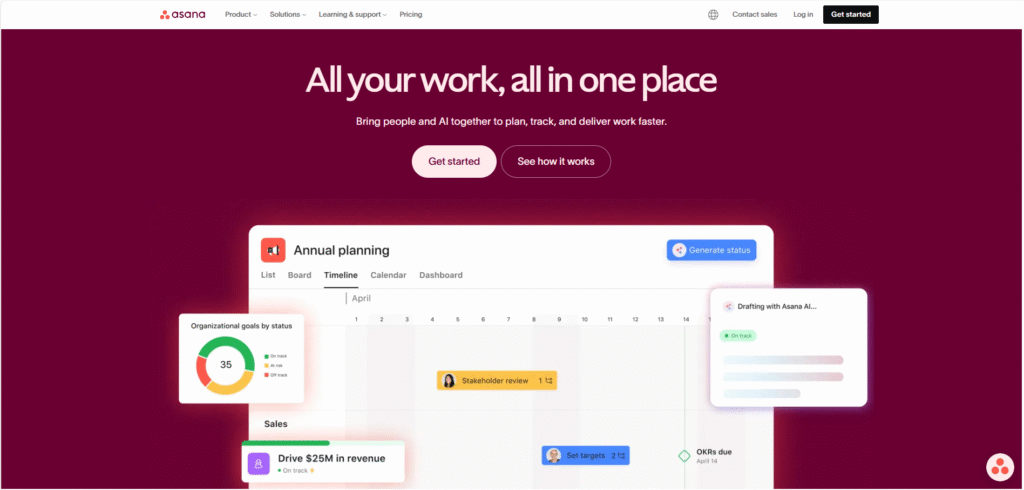
Best for: Cross-functional teams that want clear projects, workflows, and accountability.
What you get:
- Work management features designed around projects, workflows, goals, and reporting.
- A focus on connecting goals to work and team accountability.
When it fits:
- Marketing, operations, and product teams coordinating across departments
- Teams that want structure without heavy process
7) monday.com
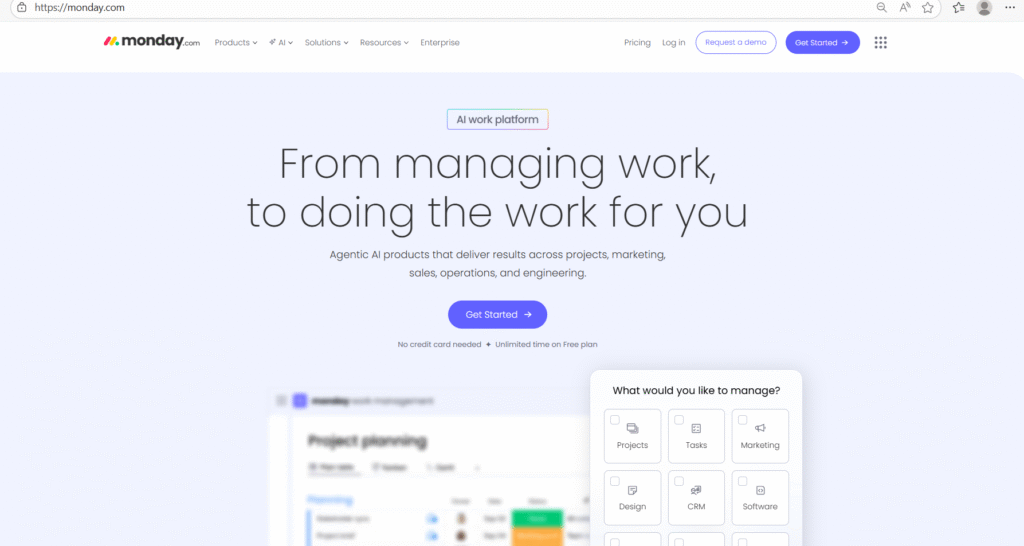
Best for: Teams that want visual workflow building with dashboards and automations.
What you get:
- A work platform that supports workflows, automations, dashboards, and integrations.
When it fits:
- Business operations and project delivery teams
- Teams that want quick setup with flexible workflow building
8) Jira Software
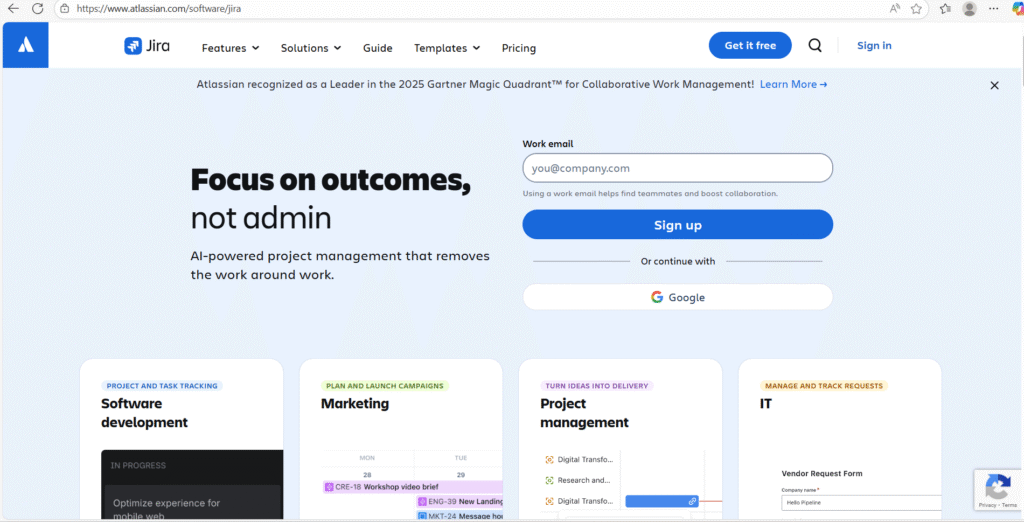
Best for: Software teams running agile delivery, backlogs, and roadmaps.
What you get:
- Backlog management and agile project tracking with timelines and reports.
When it fits:
- Engineering teams with sprint rituals
- Product teams that need traceability from ideas to shipped work
9) Confluence
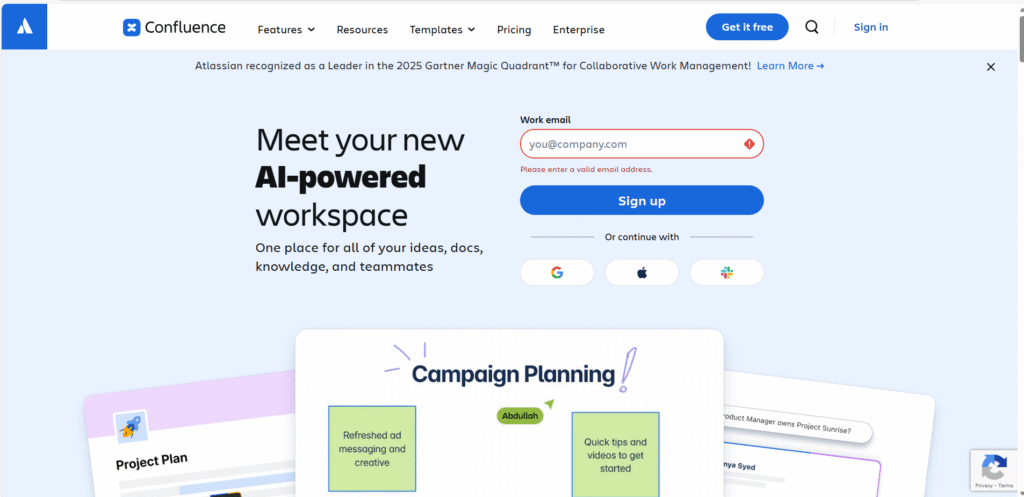
Best for: Teams that need a strong internal wiki and living documentation tied to work.
What you get:
- Spaces and pages for team knowledge and documentation.
- Tight integrations with the Atlassian ecosystem, including Jira.
When it fits:
- Teams that rely on SOPs, playbooks, and internal references
- Product orgs that want docs tied to delivery work
10) Trello
Best for: Teams that want simple visual task tracking that stays lightweight.
What you get:
- Boards and cards that make task status visible at a glance.
- Built-in automation with Butler to handle recurring actions.
When it fits:
- Smaller teams with clear workflows
- Personal and team task boards that need fast setup
Which is the best productivity software for your team?
This is where you stop asking “what is popular?” and start asking “what matches how we work?” The best Productivity software is the one your team uses every day without forcing it.
| Your use case | Best fit | Why it fits |
| All-in-one execution for a mixed team | WhitePanther | One hub for work, communication, and tracking so the system stays consistent |
| Document-heavy teams with familiar tools | Microsoft 365 | Strong Word, Excel, PowerPoint, Outlook, Teams flow for daily work |
| Cloud collaboration around email and shared docs | Google Workspace | Gmail, Drive, Docs, Meet, Calendar as a connected set |
| Knowledge base plus flexible project planning | Notion | Docs, wikis, projects, and calendar tied together |
| Highly customizable work management for many workflows | ClickUp | Tasks, docs, goals, dashboards, chat, and time tracking |
| Cross-functional project coordination with clear accountability | Asana | Projects, workflows, reporting, and goal alignment |
| Visual workflow building with dashboards and automations | monday.com | Flexible workflows, dashboards, automation, integrations |
| Agile software delivery with backlogs and reporting | Jira Software | Backlogs, timelines, agile reports |
| Documentation that stays connected to delivery work | Confluence | Spaces, pages, knowledge base patterns, Jira integration |
| Lightweight visual task boards and quick adoption | Trello | Boards, cards, and automation with Butler |
A simple way to decide in 15 minutes
- Pick one team workflow that hurts every week (handoffs, approvals, reporting, meeting follow-ups).
- List the minimum fields you need: owner, due date, status, next action, related docs.
- Try two tools from the table using a real workflow, not a demo template.
- Choose the one that feels easiest to keep clean.
If the system feels heavy, it will rot. If it feels natural, it will stick.
Conclusion
Productivity software works when it gives your team clarity, not complexity. Clarity of what matters, who owns it, and what happens next. Once you have that, productivity becomes a side effect.
Start simple. Choose a tool that matches your work shape. Set a few rules your team can follow without effort. Then build from there.
When your system is clean, your team spends less time managing work and more time finishing it. That is the whole point of Productivity software.
FAQs
1) What features should I prioritize when buying Productivity software?
Prioritize clarity features first: task ownership, due dates, status, and simple updates. Then add collaboration basics like comments, file attachments, and approvals. Only after that, look at dashboards, automations, and integrations. If the basics feel heavy, your team will stop using the tool.
2) How do I roll out Productivity software without my team ignoring it?
Pick one workflow that already hurts every week, like approvals, handoffs, or weekly status updates. Build that workflow inside the tool with a simple template. Set one rule: if it is real work, it lives there. Run it for two weeks, then expand to the next workflow.
3) Is Productivity software worth it for a small team or a solo founder?
Yes, because it forces structure early. Even a small team benefits from clear priorities, repeatable processes, and a single source of truth for tasks and decisions. The key is choosing something lightweight enough that setup does not become its own project.
4) How do I measure whether Productivity software is actually working?
Track practical signals: fewer follow-up messages, fewer missed deadlines, shorter status meetings, and faster handoffs. Also measure cycle time on repeat work, like content production or client onboarding. If visibility improves but delivery speed stays flat, your workflow design needs fixing.
5) What are the most common reasons Productivity software fails inside companies?
Weak ownership, messy setup, and no rules. Teams create tasks but do not assign owners, keep outdated statuses, and still make decisions in random places. The fix is boring but effective: clear owners, weekly cleanup, and one place for updates, decisions, and files.

SEO Content Marketer
I help IT, SaaS, and tech brands turn complex ideas into clear, conversion-focused content—blogs, landing pages, and campaigns that educate buyers, build trust, and drive qualified leads. I blend sharp storytelling with SEO and marketing strategy so every piece earns its place in the funnel.



