
TL;DR
- Work management software helps teams organise tasks, responsibilities, and deadlines in one place
- It improves clarity and accountability by making ownership and progress visible
- Collaboration becomes easier when updates, files, and discussions stay tied to work
- Teams save time by reducing follow-ups, status meetings, and repeated explanations
- It supports growth by creating systems that scale as teams get larger
- Popular tools include WhitePanther, Asana, Monday.com, ClickUp, and Notion
- Choosing the right tool depends on team size, workflow complexity, and how work is actually done
- The best systems reduce chaos without adding setup or management overhead
Most people don’t wake up thinking, “I need work management software.” What they actually feel is something else. Missed deadlines. Too many messages. Tasks scattered across WhatsApp, email, sticky notes, and five different tools. Everyone is busy, yet work still slips.
That frustration is exactly where work management software fits in. Around 82% of teams use some kind of work or project management software for their daily work.
It is not a fancy system or another tool you need to learn. It is something that brings some order to how work actually happens day to day.
Let’s break it down properly.
Table of Contents
What is Work Management Software?
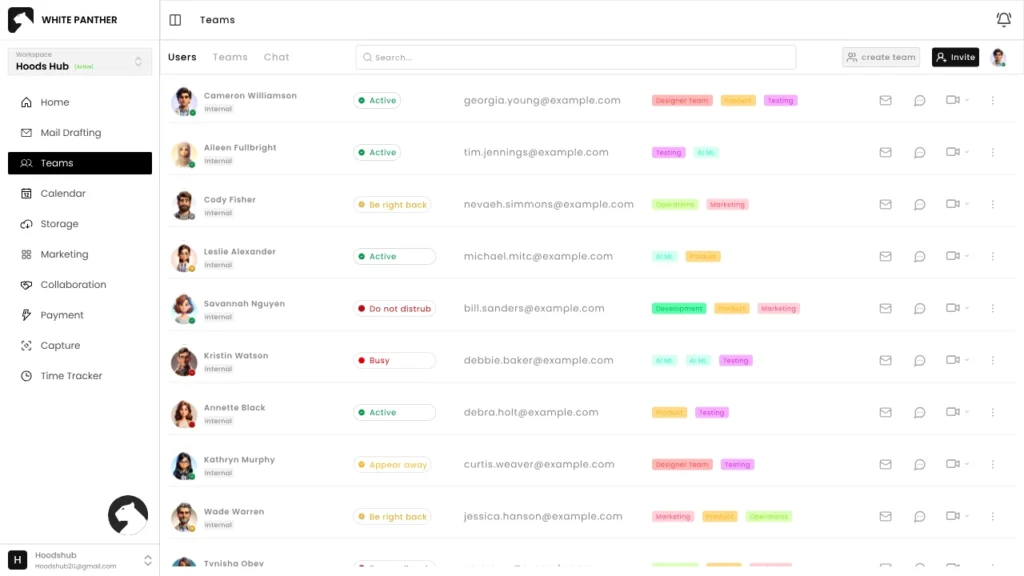
Work management software is a digital system that helps you plan, assign, track, and complete work in one structured place.
At its core, it answers very basic questions:
- What needs to be done?
- Who is responsible?
- When is it due?
- What is the current status?
- What is blocking progress?
Unlike simple to-do apps, work management software connects tasks with people, timelines, communication, and sometimes even files, approvals, and reporting. It is not only about individual productivity. It is about how work moves across a team, a department, or an entire business.
If you are managing client projects, internal operations, marketing campaigns, product development, or even daily admin work, this category of software gives structure to chaos.
What Are The Benefits of Using Work Management Software?
| Aspect | Without work management software | With work management software |
| Task tracking | Spread across chats, emails, and memory | Centralized with clear status |
| Ownership | Often unclear or assumed | Clearly assigned to individuals |
| Deadlines | Missed or remembered last minute | Visible and tracked proactively |
| Collaboration | Disconnected conversations | Contextual discussions on tasks |
| Reporting | Manual updates and guesswork | Real-time progress visibility |
| Team alignment | Reactive and chaotic | Structured and predictable |
The real benefits are not abstract. They show up in small, practical ways every single day.
Clarity across work and responsibilities
When all tasks, deadlines, and updates live in one place, people stop guessing. Teams no longer need to ask who is doing what or whether something is finished. The information is visible by default, which removes confusion and keeps everyone aligned on the same page.
Stronger accountability without micromanagement
Assigning clear owners and due dates changes how people approach work. Responsibility becomes visible, not implied. Managers spend less time chasing updates, and individuals are more likely to follow through because expectations are defined and progress is easy to track.
Better prioritization of what matters most
Work management software helps teams focus on real priorities instead of reacting to the loudest message or latest email. By seeing deadlines, dependencies, and workload clearly, teams can make informed decisions about what needs attention now and what can wait.
Smoother collaboration in context
When discussions, files, and updates are attached directly to tasks, collaboration becomes more natural. Conversations stay relevant to the work instead of getting lost in chat threads. This reduces back-and-forth messages and helps teams move forward without constant clarification.
Time savings in everyday operations
Less time is wasted searching for information, following up on tasks, or repeating the same explanations. Status updates become visible without meetings, and teams spend more time doing actual work instead of managing communication overhead.
Scalability as teams grow
Verbal updates and informal tracking work only at a small scale. As teams expand, those methods break down. Work management software creates repeatable systems that support growth, allowing more people to work together smoothly without adding stress or complexity.
Top 12 work management software tools
| Software Name | Who is it best for | Primary use case |
| 1.WhitePanther | Freelancers, startups, SMEs, agencies | Managing tasks, communication, email, time, and files in one continuous workspace without switching tools |
| 2.Asana | Marketing, operations, and cross-functional teams | Planning projects, tracking tasks, and managing deadlines across multiple teams |
| 3.Monday.com | Teams needing customizable workflows | Building visual workflows for projects, operations, and process tracking |
| 4.ClickUp | Structured teams that want one system | Managing tasks, docs, goals, and tracking work in a single configurable platform |
| 5.Trello | Individuals and small teams | Simple task tracking using boards and cards |
| 6.Wrike | Large teams and enterprises | Managing complex workflows with approvals, reporting, and resource planning |
| 7.Smartsheet | Operations and planning teams | Spreadsheet-style project tracking with automation and reporting |
| 8.Notion | Teams that like building custom systems | Creating flexible task databases, internal docs, and knowledge hubs |
| 9.Basecamp | Small to mid-sized teams | Managing projects with simple to-dos, discussions, and schedules |
| 10.Zoho Projects | SMBs using Zoho products | Tracking projects, time, and milestones within the Zoho ecosystem |
| 11.Teamwork | Agencies and service businesses | Managing client projects, deliverables, and billable work |
| 12.Jira | Software development teams | Sprint planning, bug tracking, and agile development workflows |
1. WhitePanther
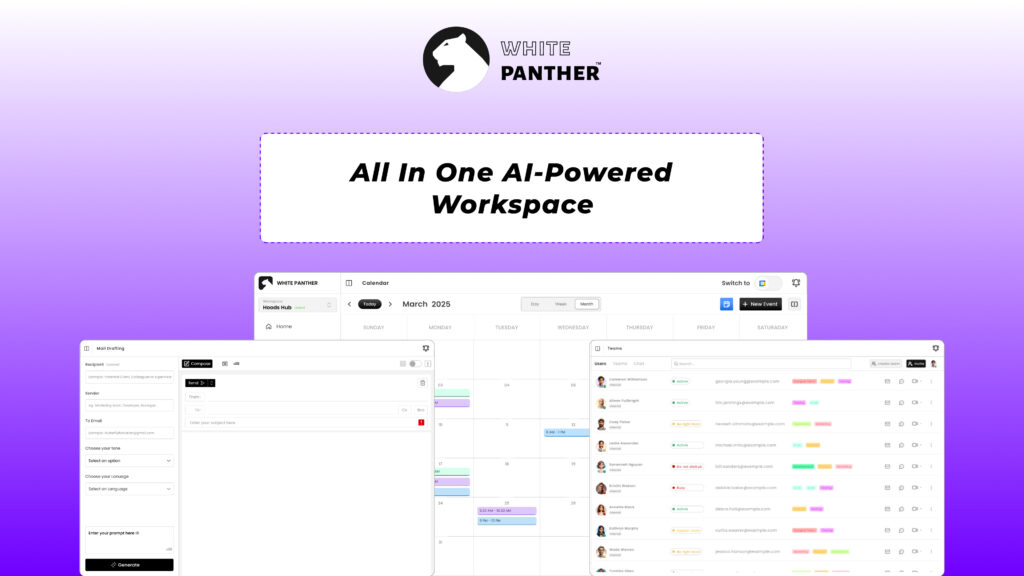
WhitePanther is built for people who are tired of juggling multiple tools just to get work done. It brings tasks, communication, email, time tracking, files, and collaboration into one continuous workspace without reloads or tab switching. The focus is simple: keep work flowing without breaking attention.
Key features:
- Unified task and project management
- Built-in communication and email handling
- Time tracking and activity visibility
- Integrated file and document management
- One-dashboard workspace with no tab switching
2. Asana
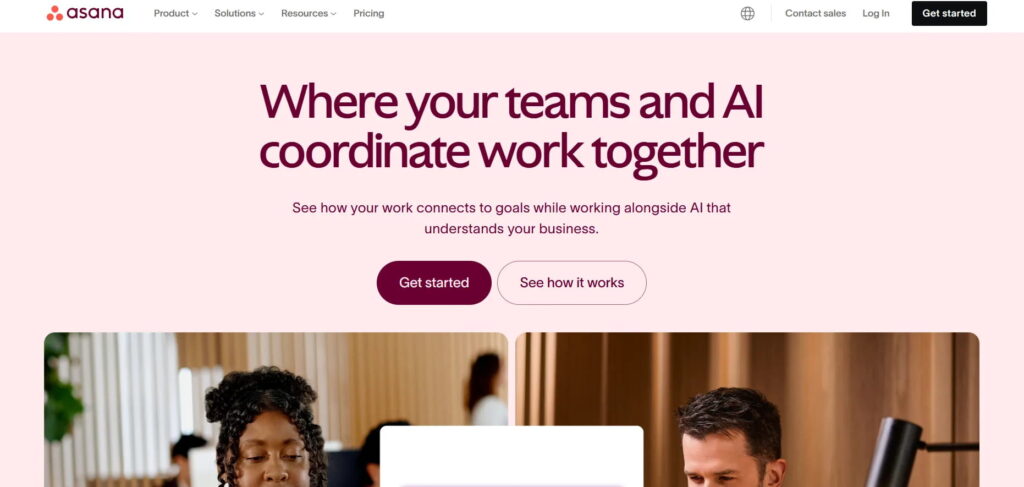
Asana works well for teams that need structured planning and visibility across multiple projects. It helps break work into tasks, connect them with timelines, and track progress without relying on constant meetings. Many marketing, operations, and product teams use Asana to manage recurring work, campaigns, and cross-functional projects where clarity and deadlines matter more than deep customization.
Key features:
- Task and project timelines
- Dependencies and milestones
- Team workload view
- Automation rules
- Reporting dashboards
3. Monday.com
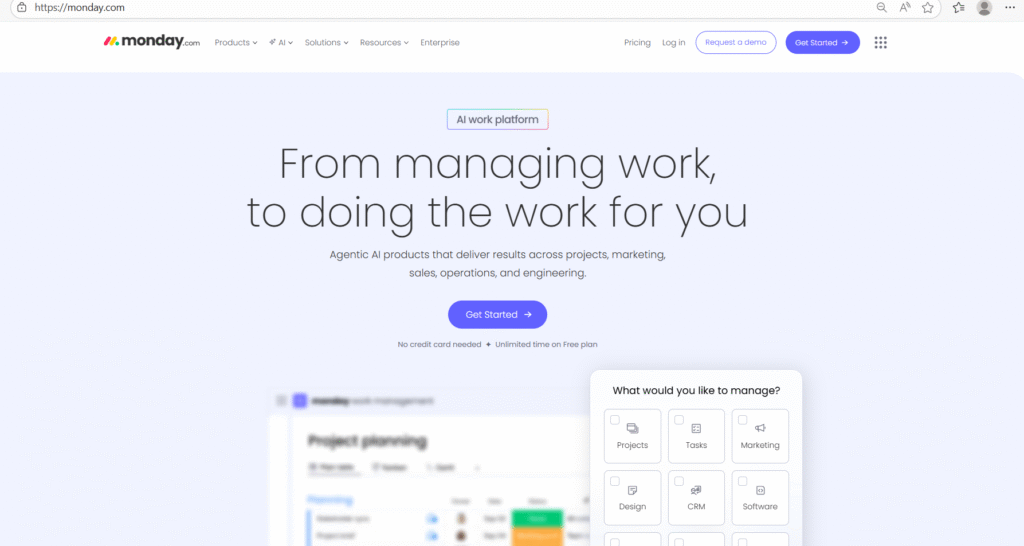
Monday.com focuses on flexibility and visual workflows. Teams can build boards for almost any type of work, from project tracking to operations and CRM-style pipelines. It works best for organizations that want to customize how work is tracked and are willing to invest time in setting up workflows that match their processes.
Key features:
- Customizable visual boards
- Automation for repetitive steps
- Multiple workflow views
- Team collaboration tools
- Integration ecosystem
4. ClickUp
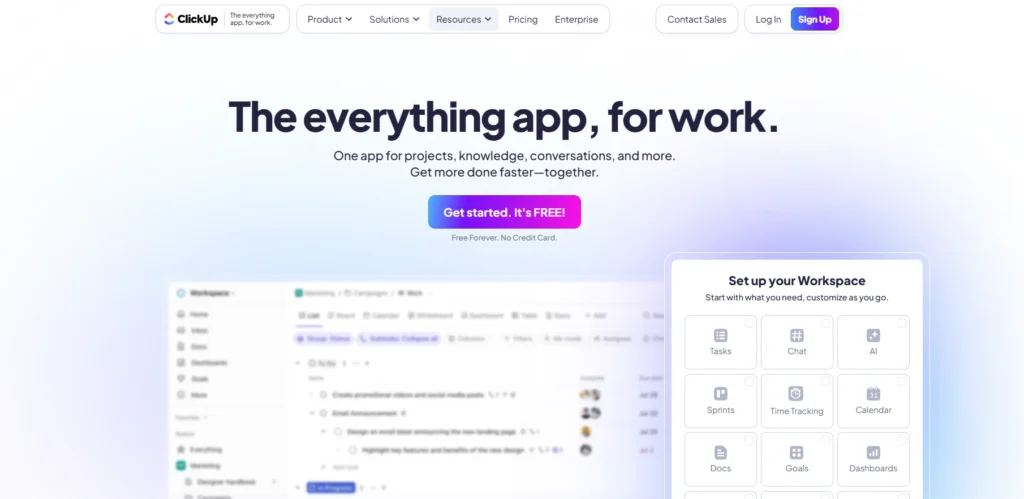
ClickUp aims to combine tasks, documents, goals, and tracking into one system. It offers a wide range of features and customization options, which can be powerful for structured teams. At the same time, it requires discipline to avoid overcomplication. It suits teams that want one platform to manage both planning and documentation.
Key features:
- Tasks, docs, and goals in one place
- Multiple views including list and timeline
- Custom fields and statuses
- Built-in docs and notes
- Time tracking
5. Trello
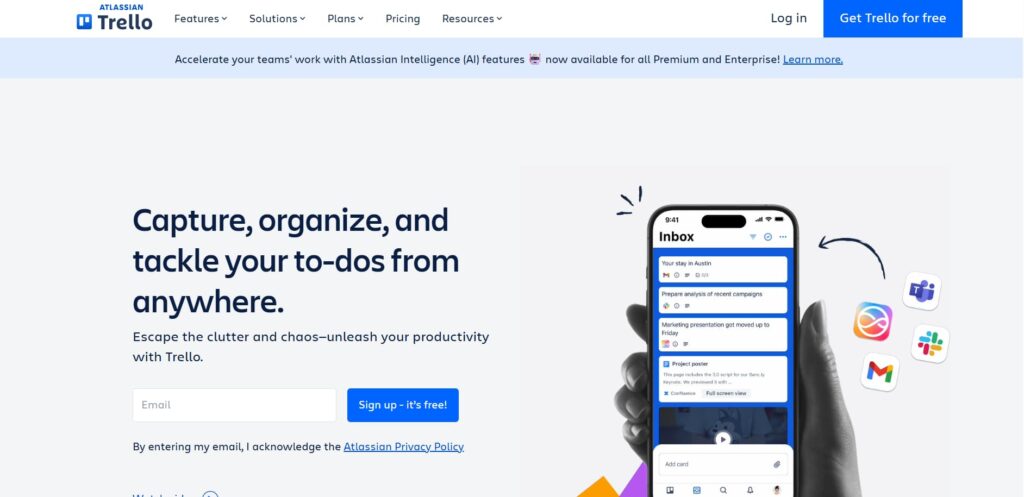
Trello is a simple, card-based tool built around visual boards. It is easy to use and quick to adopt, which makes it popular with small teams and individuals managing lightweight workflows. While it lacks advanced planning features, it works well for task tracking where simplicity is more important than structure.
Key features:
- Kanban-style boards
- Easy drag-and-drop tasks
- Labels and checklists
- Basic automation
- Simple collaboration
6. Wrike
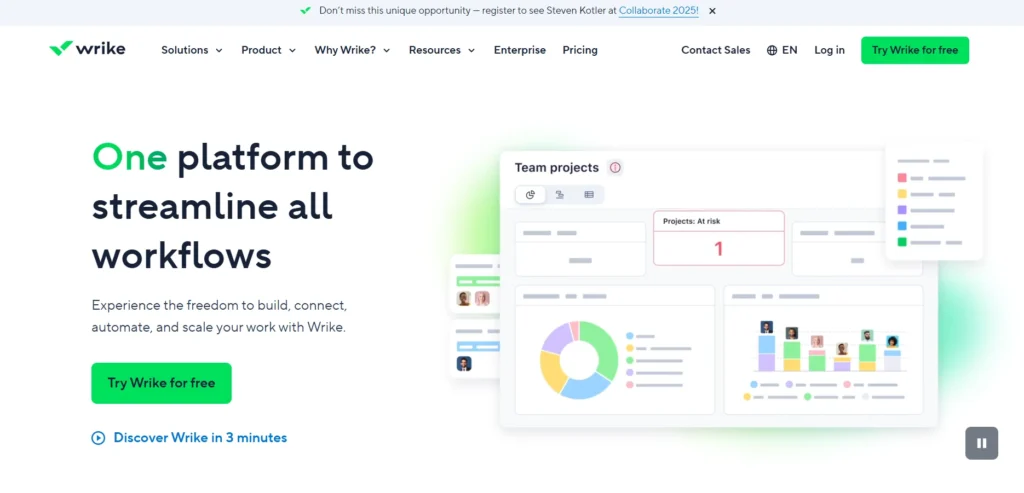
Wrike is built for larger teams and organizations that need formal processes and reporting. It supports complex workflows, permissions, and detailed performance tracking. Teams in agencies, enterprises, and regulated industries often use Wrike when they need strong control, documentation, and visibility across departments.
Key features:
- Advanced project planning
- Custom workflows
- Resource management
- Detailed reporting
- Access controls
7. Smartsheet
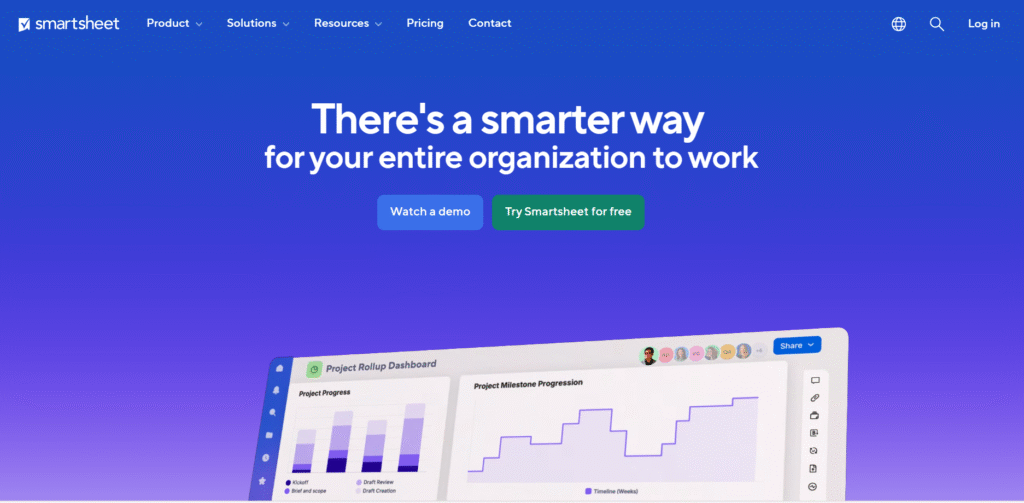
Smartsheet feels familiar to teams that already rely on spreadsheets to manage work. It combines grid-based planning with automation and collaboration features. This makes it useful for operations-heavy teams that want more structure and visibility without moving too far away from spreadsheet-style workflows.
Key features:
- Spreadsheet-style project tracking
- Automation workflows
- Reporting and dashboards
- Collaboration features
- Resource management
8. Notion
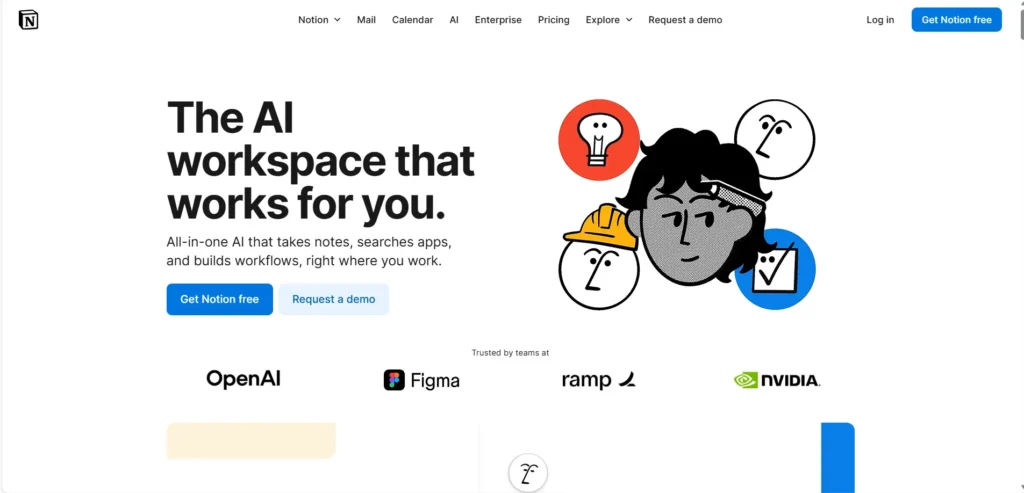
Notion is a flexible workspace that allows teams to build their own work management systems. Instead of fixed workflows, it offers databases, pages, and templates that can be shaped to fit different needs. It works best for teams that enjoy designing their own structure and maintaining it consistently.
Key features:
- Custom databases for tasks
- Docs and knowledge management
- Flexible templates
- Team collaboration
- Integrations
9. Basecamp
Basecamp takes a simpler, opinionated approach to work management. It limits features intentionally to reduce complexity and distraction. Teams use it to manage projects through clear to-dos, discussions, and schedules without getting lost in advanced configurations or excessive reporting.
Key features:
- To-do lists and schedules
- Team message boards
- File sharing
- Automatic check-ins
- Simple project organization
10. Zoho Projects
Zoho Projects fits naturally for businesses already using other Zoho products. It provides core project management features like task tracking, timelines, and reporting while staying cost-effective. Small to mid-sized teams often use it to manage projects without investing in complex enterprise systems.
Key features:
- Task and milestone tracking
- Time tracking
- Document management
- Reporting tools
- Integration with Zoho apps
11. Teamwork
Teamwork is designed with client-facing work in mind. It helps agencies and service-based teams manage deliverables, timelines, and communication while keeping clients informed. The platform balances internal task management with external collaboration, making it easier to stay aligned with client expectations.
Key features:
- Client project tracking
- Time and billing tools
- Task dependencies
- File sharing
- Reporting dashboards
12. Jira
Jira is built primarily for software development teams. It supports agile frameworks like Scrum and Kanban and offers deep issue tracking capabilities. While powerful, it is best suited for technical teams that need sprint planning, backlog management, and detailed tracking of development work.
Key features:
- Sprint and backlog management
- Issue and bug tracking
- Agile boards
- Advanced workflows
- Reporting and analytics
Conclusion
Work management software is not about doing more work. It is about doing work with less friction. If your team constantly feels busy but progress is unclear, that is not a people problem. It is a system problem. The right work management software gives structure without slowing teams down.
The key is not choosing the most popular tool. It is choosing the one that fits how your team actually works today and how it plans to grow tomorrow. When work has clarity, ownership, and flow, productivity follows naturally.
FAQs
1) What is work management software used for?
Work management software helps you plan, assign, track, and complete work in one place. It keeps tasks, owners, deadlines, updates, and files connected, so teams can move faster without chasing information across chats and emails.
2) How is work management software different from a simple to-do app?
A to-do app is usually personal and basic. Work management software is built for teams. It adds ownership, deadlines, collaboration, project structure, progress tracking, and reporting, so work stays organized even when multiple people are involved.
3) What problems does work management software solve in day-to-day work?
It reduces missed deadlines, unclear ownership, scattered updates, and constant follow-ups. Instead of status meetings and repeated messages, you get a clear view of what’s in progress, what’s blocked, and what needs attention next.
4) Who should use work management software: freelancers or only big companies?
Both. Freelancers use it to manage client work, deliverables, and timelines. Startups and SMEs use it to keep execution tight as teams grow. Larger companies use it to standardize workflows and track performance across departments.
5) What should you look for when choosing the right work management tool?
Start with your workflow. Look for ease of use, task and deadline tracking, collaboration, reporting, integrations you actually need, and how quickly your team can adopt it. A tool that needs heavy setup often fails in real teams.




