
TL;DR
- Workflow optimization improves how work moves across your business.
- It removes bottlenecks, reduces errors, and speeds up delivery.
- Key components include visibility, automation, collaboration, and standardized processes.
- Benefits include faster output, better communication, and higher team morale.
- Simple strategies like workflow mapping, automation, centralization, and regular reviews can transform operations.
If you’ve ever felt like your day disappears into emails, tiny admin tasks, random pings, and work that somehow multiplies when you’re not looking, you already know the core problem: the workflow isn’t working for you. You’re working inside chaos instead of running a system.
That’s where workflow optimization comes in. It’s not some fancy corporate buzzword. It’s a very real, very practical way of making your business run with fewer bottlenecks, fewer mistakes, and a lot more clarity.
Think of it as cleaning your room after months of ignoring it. Once everything has a place, you move faster, think better, and you stop wasting time on useless nonsense.
Let’s break it down in a simple way so you actually get it and can apply it.
What Is Workflow Optimization?
At its core, workflow optimization means improving the way work flows through your business. Every company has workflows, sales, content creation, customer onboarding, task handoffs, reporting, everything. But most teams operate on messy, scattered systems built on habits that no one questioned.
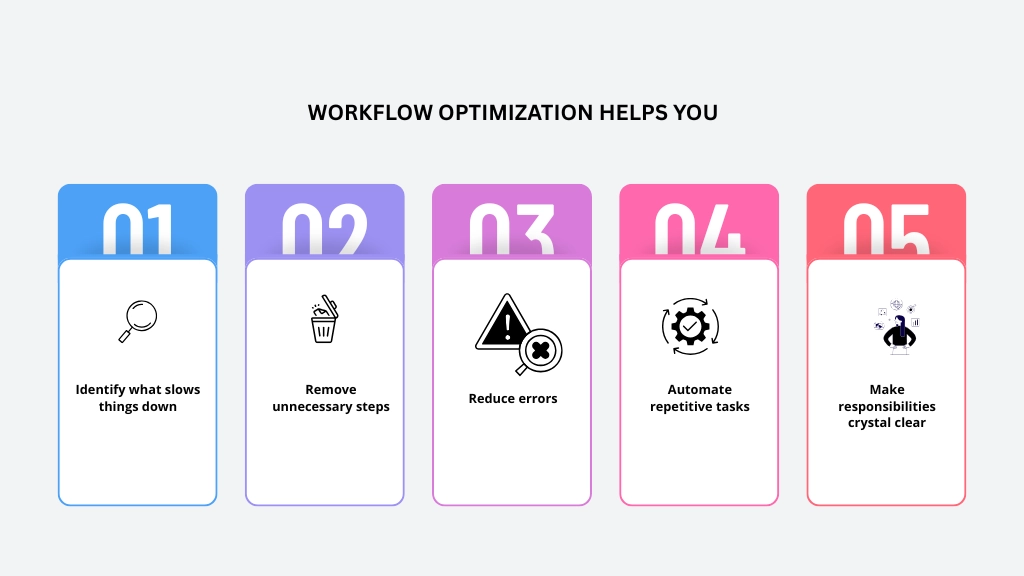
When it’s done right, you feel the difference immediately. Teams stop asking “What’s the update?” ten times a day. Work stops getting stuck on someone’s desk. Deliverables stop missing deadlines. And managers actually get time to think instead of fire-fighting.
You’re not just making the workflow faster. You’re making it smarter.
Key Components of Workflow Optimization Tools
Good tools don’t magically fix your workflow, but they support the system you’re trying to build. Whether you’re a freelancer or a 500-person team, tools that support workflow optimization usually share these components:
1. Task and Project Visibility
Everyone should know:
- What needs to be done
- Who is responsible
- What the deadline is
- What the priority is
Without visibility, everything falls apart.
2. Automation Features
If a task repeats often, automation should take over.
Example: assigning a task when a client form is filled, moving a ticket to the next stage, or sending a follow-up reminder.
Automation is not luxury anymore. It’s survival.
3. Collaboration Support
Comments, file sharing, tagging teammates, linking tasks, and shared screens should all happen in one place, not across five tabs. This is actually where a unified dashboard like WhitePanther helps, it keeps tools together so you don’t lose information while switching tabs.
4. Real-Time Tracking and Reporting
You can’t optimize what you can’t measure. A good workflow tool gives insights like:
- Time spent
- Delayed tasks
- Workload distribution
- Trend patterns
This helps you fix problems before they explode.
5. Standardized Processes
Templates, checklists, and reusable systems help teams stay consistent. When every client onboarding looks different, expect chaos. When every onboarding follows the same steps, expect quality.
Benefits of Workflow Optimization for Businesses
If you want to know why companies invest time and effort into cleaning their workflows, here’s the truth: the ROI is insane.
Here are the real benefits of workflow optimization, the ones you actually feel in day-to-day work:
1. Work Gets Done Faster
Fewer steps = faster results.
When teams know what to do and where to go, productivity jumps without pushing people harder.
2. Errors Drop Dramatically
Most business mistakes happen because of confusion, unclear instructions, or missing information. Optimize the workflow and suddenly your team isn’t guessing anymore.
3. Better Collaboration Across Teams
When everyone works inside the same system, handoffs become smooth.
Design → Dev → QA → Marketing stops being a war zone.
4. Higher Output With the Same Team Size
You don’t need more people. You need fewer roadblocks. Good workflow optimization helps small teams perform like large ones.
5. Better Customer Experience
When your internal processes are clean, your external output looks professional, faster replies, accurate delivery, consistent communication. Customers feel the difference even if they don’t know why.
6. Team Morale Improves
Burnout often comes from chaos, not hard work. When people aren’t constantly firefighting, they enjoy their work more.
7. Leadership Gets Real Visibility
Instead of drowning in updates, leaders finally get real-time dashboards and reports. This keeps decision-making sharp. This is actually why some teams adopt unified dashboards like WhitePanther, it reduces time wasted switching between email, tasks, calls, meetings, and docs, helping teams stay inside one clean, optimized workflow.
5 Workflow Optimization Strategies to Streamline Your Business
Now here’s the part you actually care about: How do you apply workflow optimization without turning it into a complicated management experiment?
Here are five strategies that genuinely work. Simple, practical, and immediately usable.
1. Map Your Existing Workflow Like a Brutally Honest Audit
You can’t fix what you don’t see. Start by mapping your current workflow step by step:
- Where does the work start?
- Who touches it next?
- How many approval stages?
- What tools are being used?
- Where does it get stuck?
You’ll be shocked by how many useless steps exist simply because “that’s how we’ve always done it. Be ruthless: cut anything that slows you down and doesn’t add value. This mapping becomes the foundation of your workflow optimization plan.
2. Remove Human Effort From Repetitive Tasks
Anything done more than twice should be automated. Manual work is not heroic, it’s wasteful.
Some examples:
- Task creation
- Email follow-ups
- Invoicing reminders
- Data entry
- Status updates
- Report generation
Every time you automate a repetitive task, you free up mental space for deeper work. Good tools help here, but even simple rule-based automation can change everything. This is where workflow optimization becomes obvious, you start working on things that matter, not things that drain you.
3. Standardize How Work Is Done
If every person on the team does the same task differently, your business is not scalable. You need standardized systems:
- Templates
- SOPs
- Checklists
- Naming conventions
- Approval rules
Standardization isn’t about control. It’s about consistency. Think about fast-food chains, every burger tastes the same even though different people make it. That’s standardization in action.
When you add this to your workflow optimization system, quality goes up and confusion goes down.
4. Centralize Communication and Information
A major workflow killer? Information spread across emails, WhatsApp messages, Slack threads, random Google Docs, and someone’s notebook.
Centralize everything:
- One place for tasks
- One place for files
- One place for messages
- One place for project updates
This eliminates the classic “Where is that link?” and “Didn’t you see my message?” chaos. Unified workspaces like WhitePanther were built for this exact purpose, keeping communication and work in one clean, non-reloading dashboard.
When people stop switching between 10 tools, the workflow optimization becomes noticeable within days.
5. Review and Refine Workflows Regularly
Your workflow today may not fit your workload three months later. Businesses evolve. Your processes must evolve too. Set monthly or quarterly workflow reviews:
- What slowed you down recently?
- What steps felt unnecessary?
- What new tools or automations can fix this?
- Are responsibilities clear?
Workflow optimization is not a one-time cleanup. It’s a continuous discipline that keeps your business agile.
Conclusion
Here’s the truth: every business thinks they’re productive, but most are just busy. There’s a huge difference. Being busy means running around all day but achieving very little. Being productive means moving work forward with intention, clarity, and speed.
That shift happens when you embrace workflow optimization as a real business strategy, not a fancy term.
- You start eliminating waste.
- You automate the boring stuff.
- You give your team clarity.
- You centralize everything that matters.
- You refine your systems as your business grows.
Do this consistently and you’ll see your entire operation sharpen up, better delivery, better communication, better output, and a much calmer team.
And if you use tools that support this mindset, whether it’s something simple or a unified workspace like WhitePanther, you’ll see even faster progress.
Workflow optimization is not about working harder. It’s about working in a system that actually supports the way you want to grow.
FAQs
1. What does workflow optimization actually mean?
Workflow optimization simply means improving the steps involved in completing work. It focuses on removing bottlenecks, reducing manual effort, and making tasks flow smoothly from start to finish. When your workflow is optimized, the entire team works faster and with fewer errors.
2. Why do businesses struggle with workflow optimization?
Most businesses rely on outdated habits, scattered tools, and unclear responsibilities. Over time, these small inefficiencies pile up and slow everything down. Without mapping the current workflow, it’s hard to know what to fix and where the real delays are happening.
3. How do I know if my workflow needs improvement?
Look for signs like repeated delays, unnecessary approvals, team members asking for updates constantly, missing files, duplicated work, or tasks getting lost in communication. These are strong indicators that your workflow isn’t supporting your team properly.
4. Can automation help with workflow optimization?
Yes. Automation is one of the strongest tools for workflow optimization because it handles repetitive work like reminders, task assignments, form submissions, and follow-up messages. This frees up your team to focus on tasks that actually require creativity and decision-making.
5. Do I need a special tool for workflow optimization?
You can start optimizing workflows without software, but tools make the process much easier. A centralized dashboard or workspace helps teams track tasks, automate steps, manage communication, and monitor progress in real time. Platforms like WhitePanther do this by keeping everything in one place.




